Use a workflow when work follows a repeatable sequence. Build and test it manually before adding a recurring trigger.
Build the workflow
Create a workflow
- In Workflows, click New.
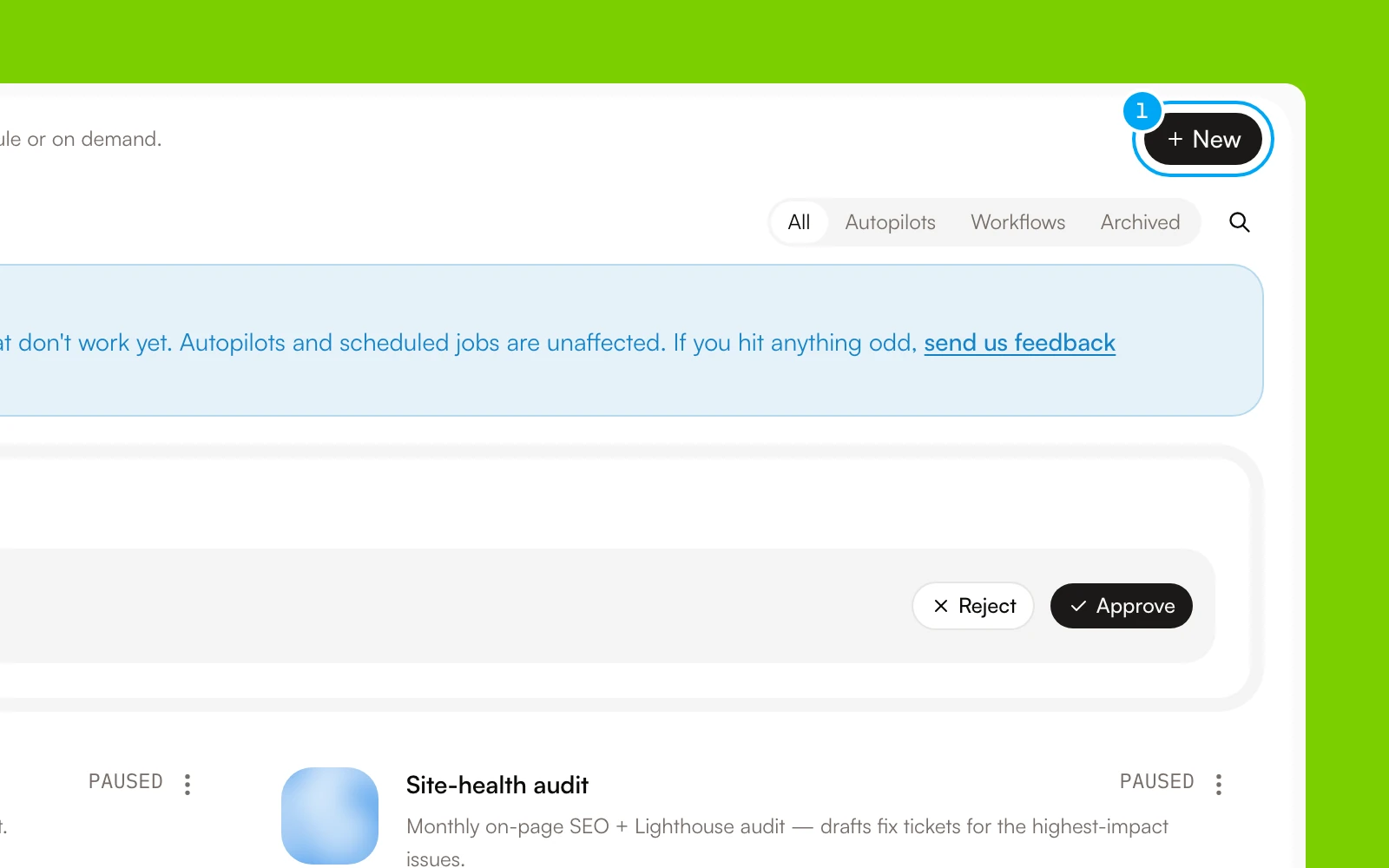
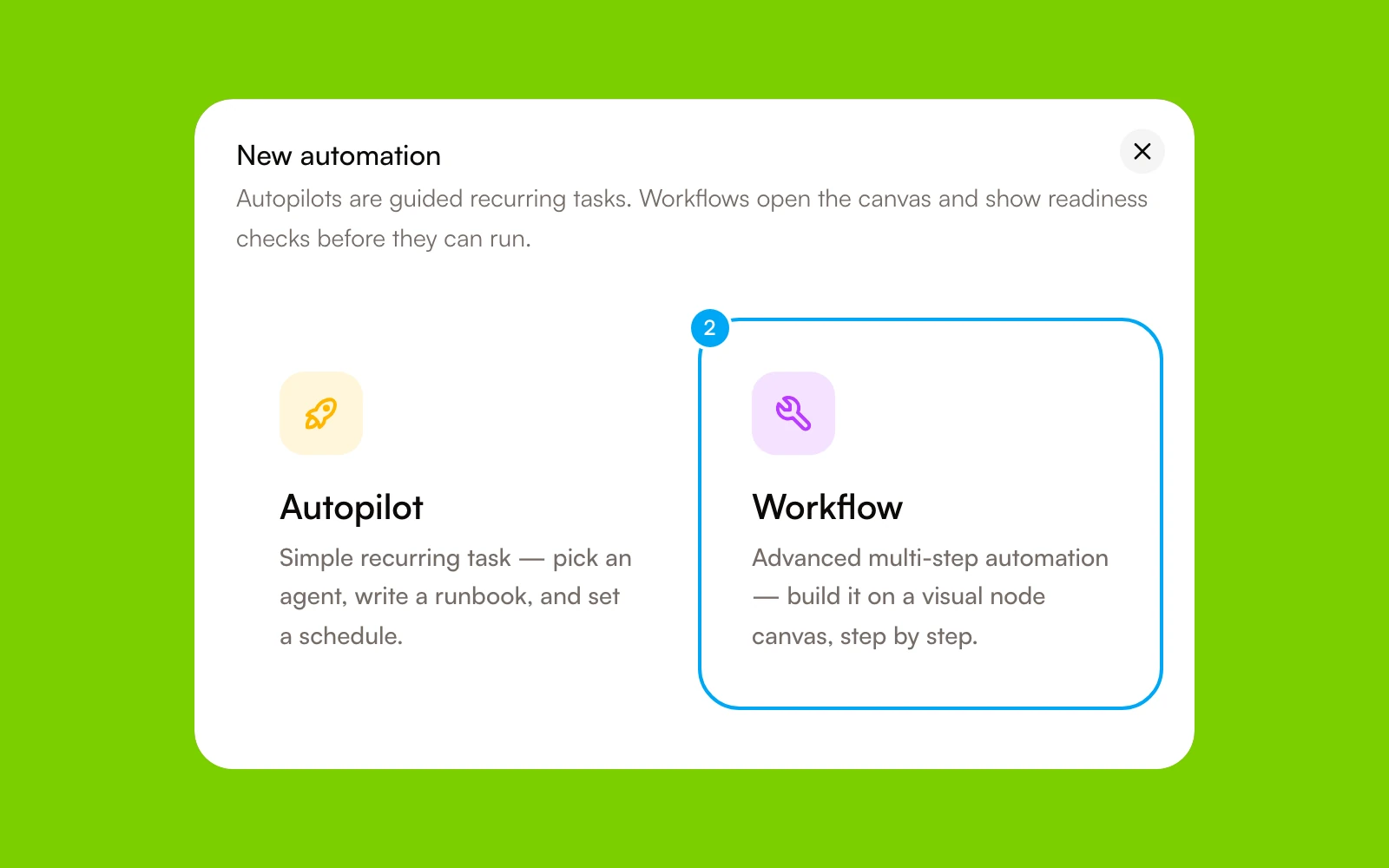
- Click Workflow.
- In Create workflow, click Blank workflow, or click a template.
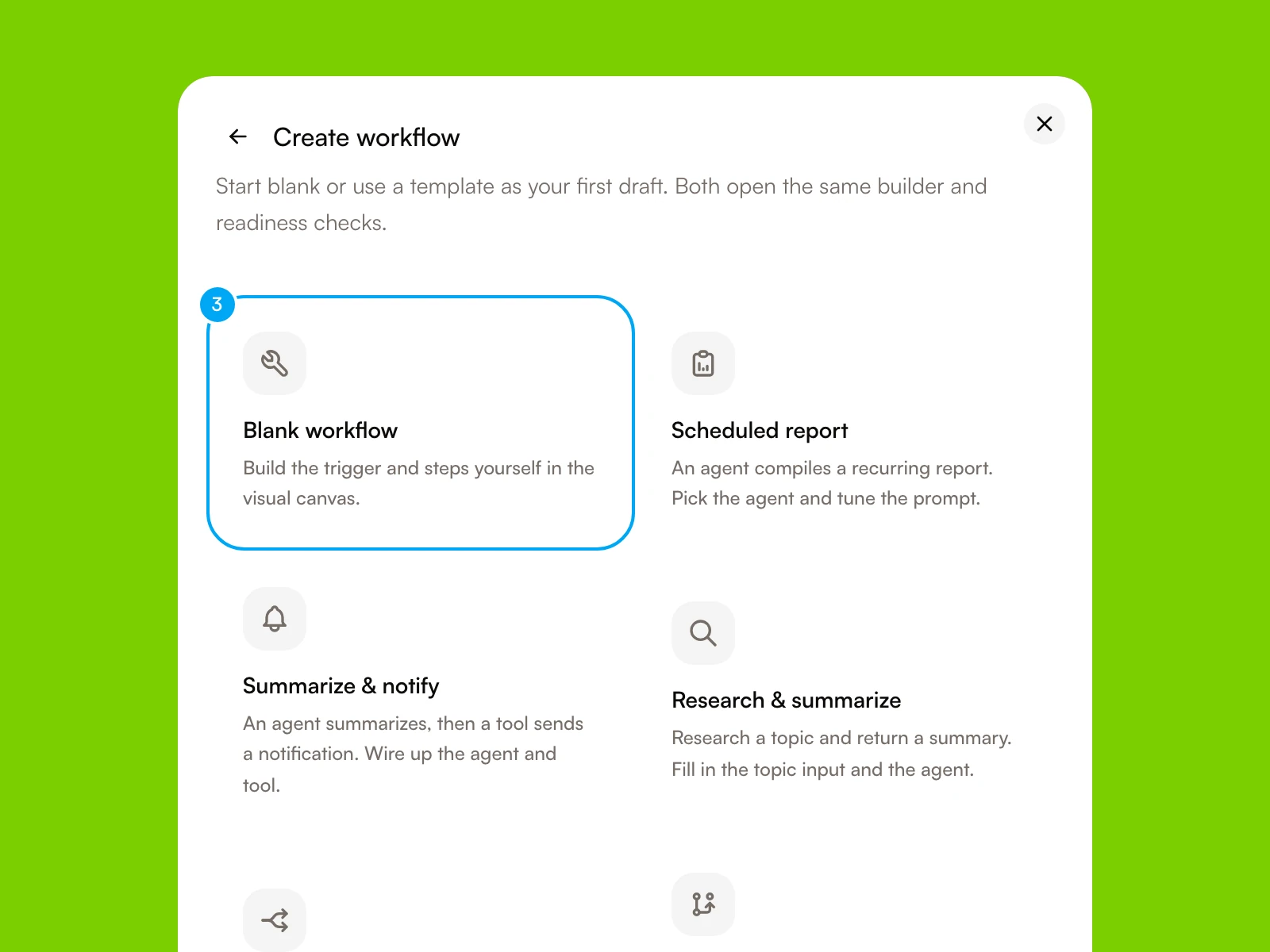
The builder opens. A blank workflow is named Untitled workflow: click the title to rename it, and give it a name that describes the outcome rather than the implementation. The header holds the Build, Test, and Run tabs. A template starts with its blocks already placed. The Templates tab on the Workflows page lists the same starting points.
Add the steps
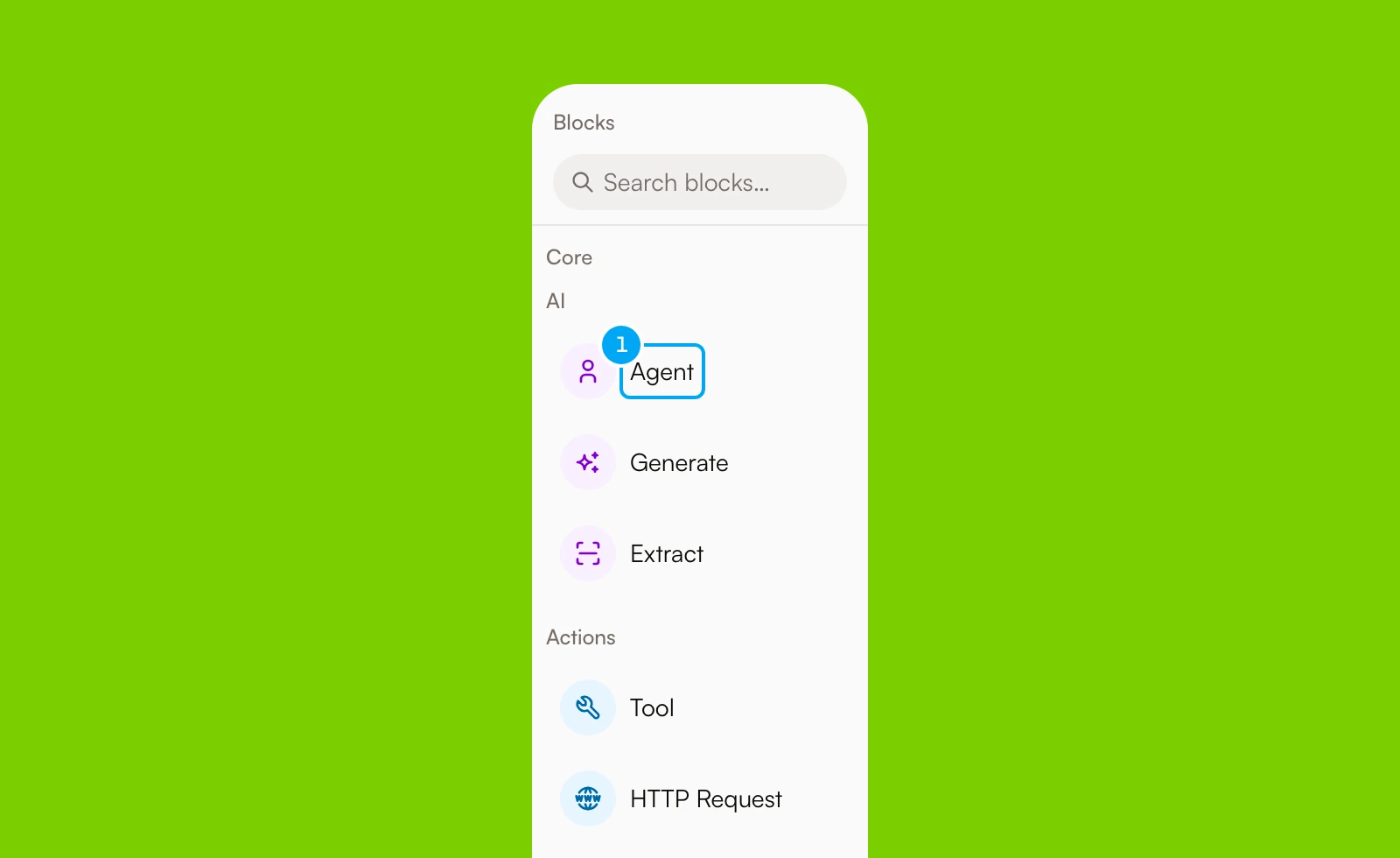
The Blocks panel on the left groups the blocks by category:
- AI: Agent, Generate, Extract.
- Actions: Tool, HTTP Request, Send, Set ticket status, Respond to webhook.
- Data: Template, Format, Only once.
- Logic: If / else, Continue only if, Stop run.
- Wait: Approval, Wait for event.
- Advanced data, Advanced logic, Structure, and Timing: List Operator, Code, Choose path, Classify, Run together, Wait for paths, Repeat, Call workflow, Wait, and Wait until.
Code is a Labs feature that is on by default. If you do not see it, check that Code block is on in Settings → Labs. Set ticket status changes the status of an AI Agent ticket.
- In Blocks, click a block to add it to the canvas, or drag it there.
- Connect the blocks in execution order.
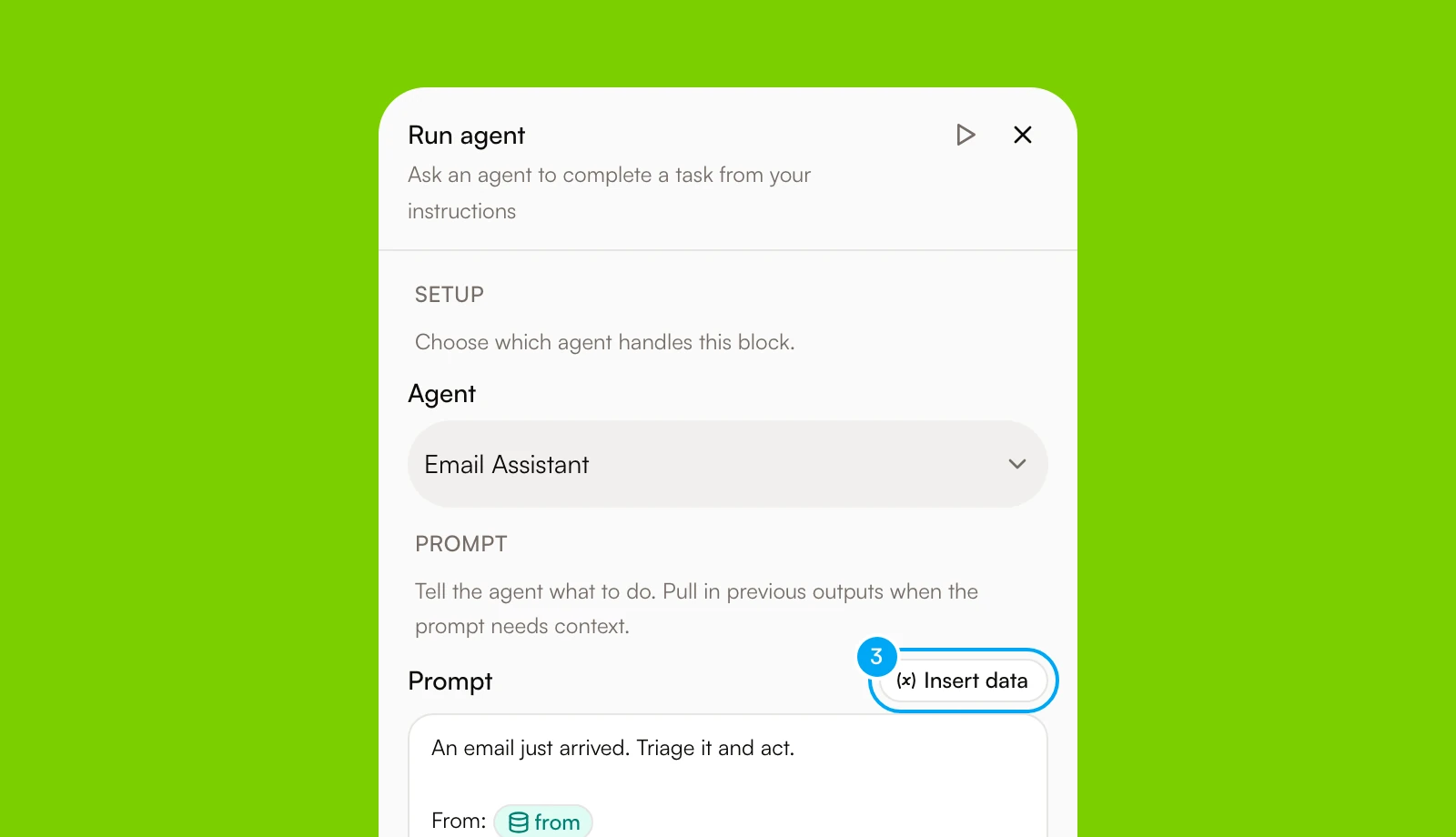
- In a block’s text field, click Insert data to pass an earlier block’s output into a later block. Do not copy values by hand.
Draft the blocks with AI (optional)
If the canvas has no blocks, the right panel can draft the workflow for you.
- In Describe your workflow, describe the process in a few sentences.
- Click Generate.
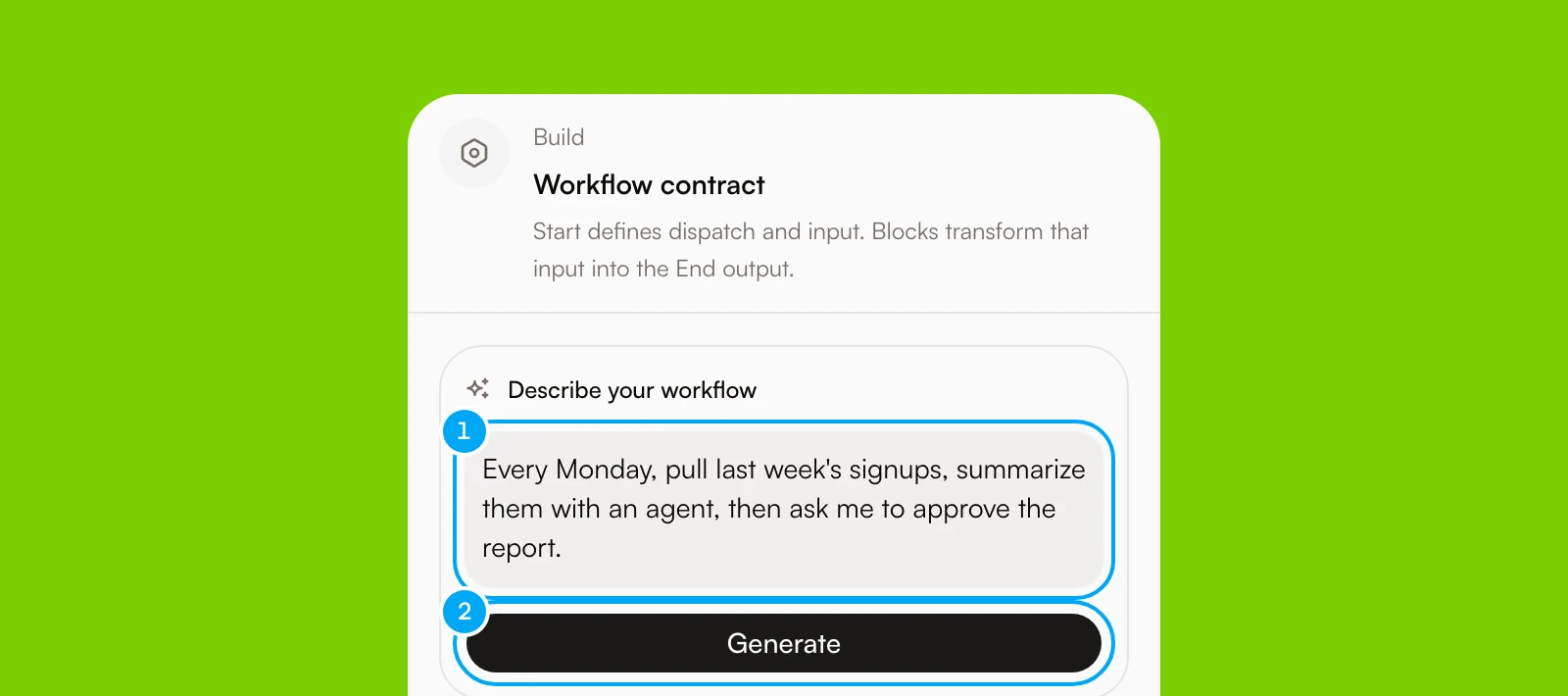
Generate uses credits. The draft can use these blocks: Agent, Generate, Extract, Tool, Send, Approval, If / else, Choose path, Continue only if, Stop run, Format, Only once, and Repeat. Add any other block yourself. The builder gives every generated Agent block the same default agent, so choose the right agent for each one. Review the draft and click Save before you rely on it.
Configure boundaries
For every agent or tool block, verify:
- which agent owns the step;
- which connection account it can use;
- the expected input and output;
- what should happen when a condition is not met;
- whether an external change needs an approval point.
Keep supported external write and destructive actions behind an Approval block so a person can confirm the proposed change before it proceeds.
A Tool step that writes to a connected app does not create an approval card each time it runs. When you set the trigger live, Allow these writes? lists those writes once. Click Allow and set live to accept them. A step that cannot go live opens This workflow can’t go live instead, with one of these reasons: Destructive write, Manual-only action, Unsupported backend, or No connection bound. Fix the step, then set the trigger live again.
Validate and publish the workflow
The builder saves a draft a few seconds after each edit, even while the draft still has issues. A visually connected workflow can still be incomplete if a required setting is missing. Before a workflow can run or go live, publish the draft.
- Click Save. The message says how many issues to fix before you can publish.
- Fix each issue the builder lists.
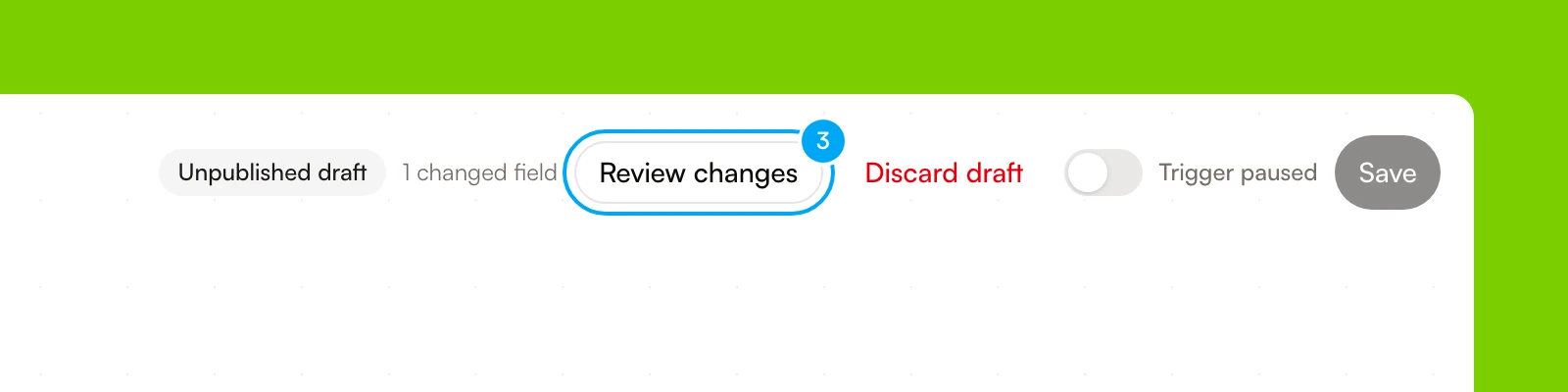
- In the Unpublished draft bar, click Review changes.
- In Review draft changes, check the differences, then click Publish, keep paused.
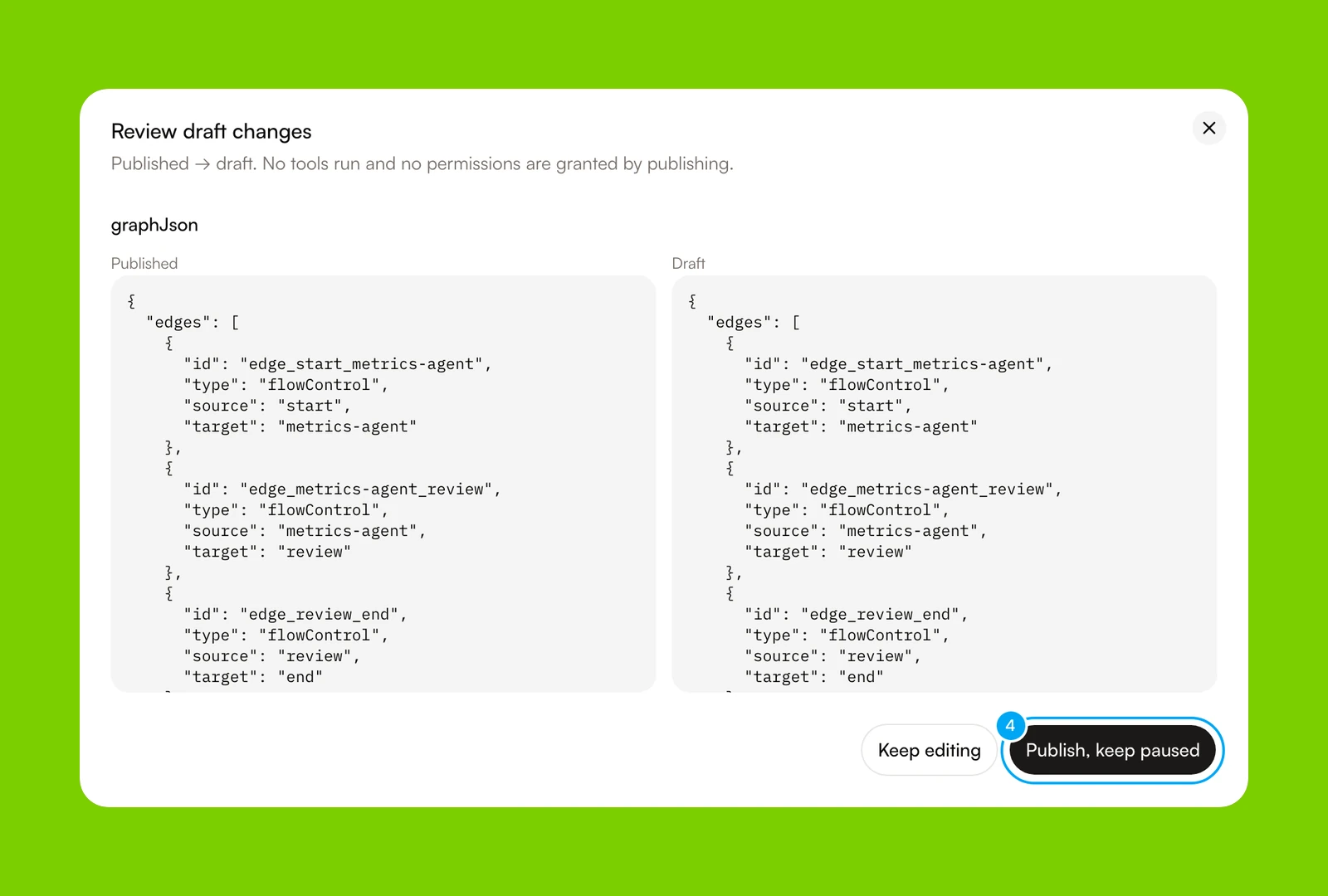
Publishing updates future runs and leaves the workflow paused. Until you publish, the workflow keeps using its published version. To drop your edits, click Discard draft. If the workflow is live, pause its trigger before you publish.
Test on demand
- Select a block, then click Test step above it.
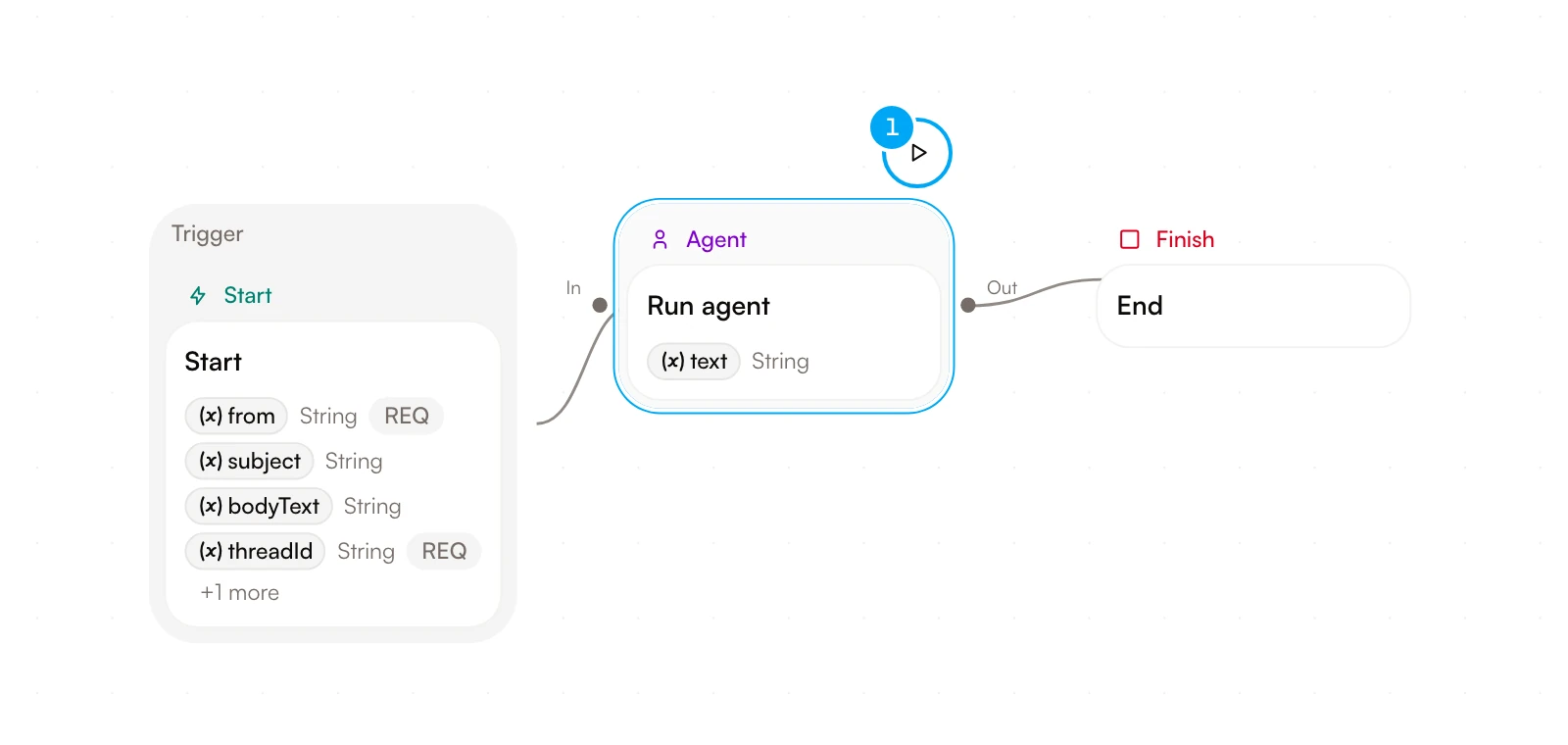
The Test tab opens with Test input (JSON). Enter sample input, then click Test step in the panel. A step test does not create run history.
- To run the whole workflow, click the Run tab.
- Click Run.
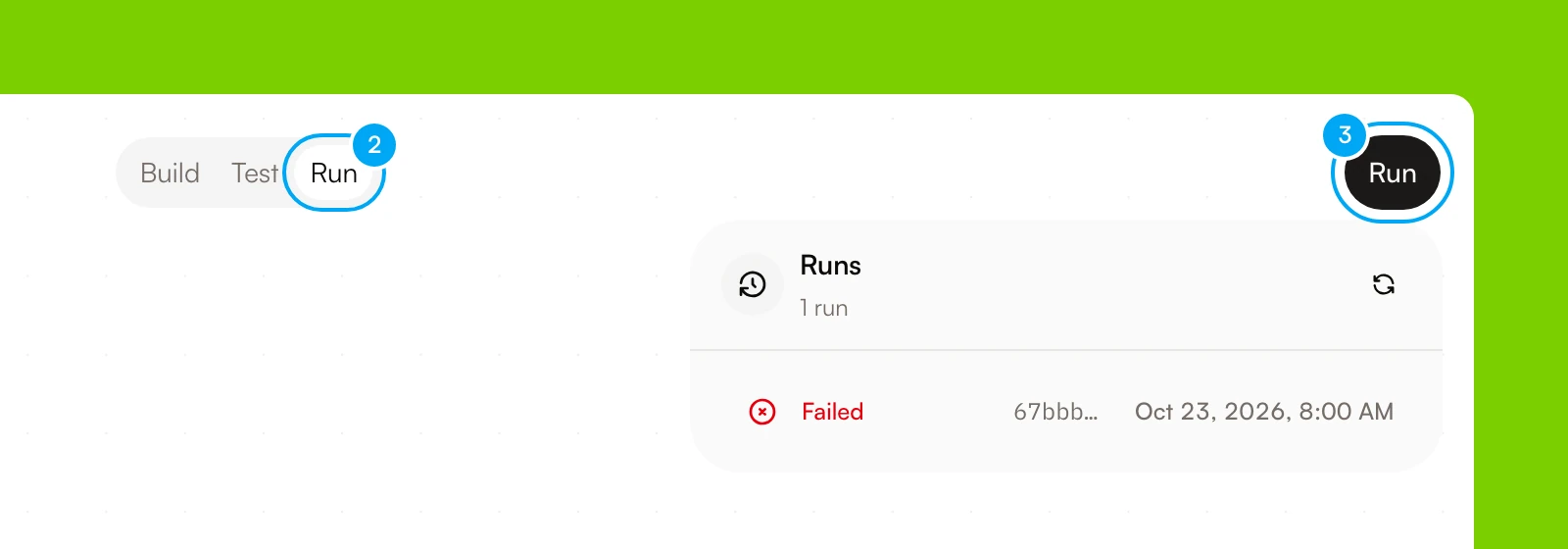
If Start has input fields, or a trigger sample exists, Start workflow run opens. Enter the values and click Start run, or click Run with sample. Otherwise the run starts at once. Open the run and inspect:
- step order and status;
- the output of each step;
- the path selected by each condition;
- any waiting approval or failure;
- the final result.
If the run fails, correct the workflow, publish the draft, and start a new test. The previous run remains available in the run history for comparison.
Test step works on Agent, Tool, Approval, and Repeat blocks, and on Template, Format, List Operator, Code, and Only once blocks. Testing a Template, Format, List Operator, Code, or Only once block uses no credits. To skip a block in a run without deleting it, right-click it and choose Disable. A disabled block passes its input to the next block, so check that later blocks do not need its output. Disable is not offered on blocks that branch or end a run (If / else, Choose path, Classify, Stop run, Respond to webhook), or on Repeat, Run together, Wait for paths, and Wait for event.
Prepare it for reuse
After a representative run succeeds, keep it as an on-demand workflow, or give it a trigger. Click the Start block, then click the trigger button in Trigger. It reads Manual trigger until you change it. In Trigger, choose Run manually, On a schedule, When an app event happens, or When a webhook arrives. Show advanced triggers adds more. Click Save trigger draft, publish the draft again, then click the Trigger paused switch. It changes to Trigger live.
To run a task on a schedule with one agent, configure an Autopilot instead. Your plan sets how many scheduled jobs you can run and how often. Event and webhook triggers need the Pro plan or higher. See Plans, credits, and usage.
Expected result
Continue from here
Configure an Autopilot
Add a trigger to a workflow that has passed a representative manual test.
Inspect runs
Review step history, outputs, approvals, and failures.
Understand approvals
Learn where supported external actions pause for human review.
Workflows and Autopilots
Compare on-demand processes with triggered automation.