Creative Canvas is a board for generating image, video, and audio side by side, wiring the output of one generation into the input of another. Compose sits inside the canvas as a separate studio for assembling those results into an image composite, a storyboard, or an edited video.
Where to find it
Open Canvas under Labs in the sidebar. The page shows Templates to begin from and Your canvases. Click New to start a canvas, or open a canvas to edit it.
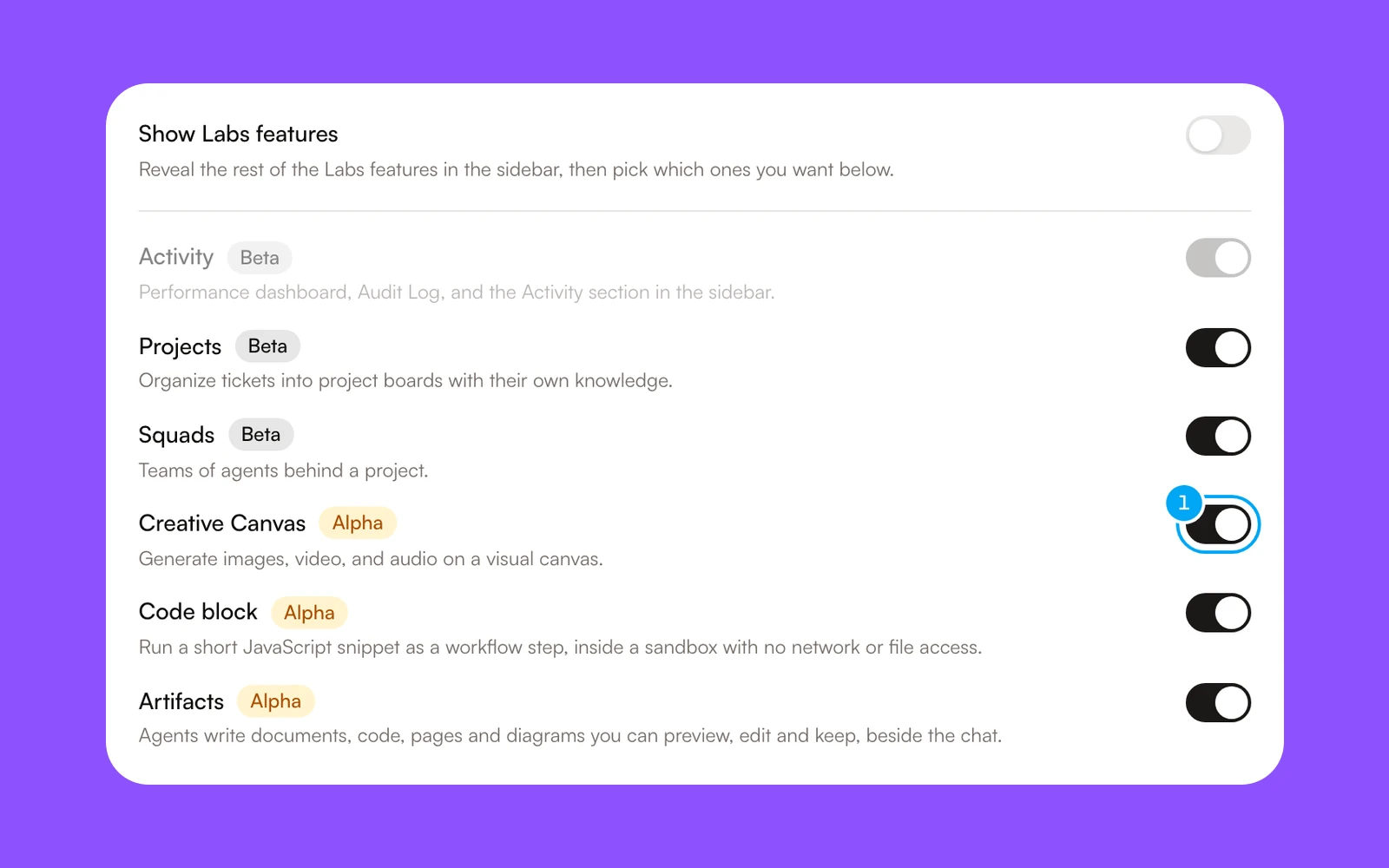
If Canvas is missing, open Settings → My account → Labs and check the Creative Canvas switch.
- Next to Creative Canvas, turn the switch on.
The canvas editor needs a larger screen. On a small window it shows Creative Canvas needs a larger screen.
Create and Compose
A switch at the top of the editor chooses between Create, the canvas where you generate and connect blocks, and Compose, the studio for finishing work.
In Compose, each composition opens in its own tab. A second switch, shown while the current tab is empty, picks what the tab holds:
- Image combines generated and uploaded images into a single composite — layers, crop, and a logo overlay.
- Storyboard chains a sequence of generated clips, each with its own prompt, so you can review and regenerate one without redoing the rest.
- Video is a timeline editor for arranging clips, text, and audio into an edited video.
From storyboard to video
Once a storyboard has a clip you like, click Create video in the storyboard bar. Create video stays disabled until at least one clip is generated. It sends the whole chain to the Video editor, with each scene as a clip in storyboard order, and the voice-over and captions come along. After that, the same button reads Open video. From there, trim, reorder, and add text or music on the timeline.
Export
The export menu depends on the editor:
- Video — in the Export menu: Download MP4, Download In to Out (MP4), Download frame (PNG), Save to canvas, Save all sizes to canvas, and Composition file (.json).
- Storyboard — Contact sheet (PNG), and Save to canvas.
- Image — Download PNG, Download JPEG, or Download WEBP, and Save to canvas.
MP4 export runs in the browser, one export at a time. While one MP4 export runs, the menu shows An export is already running for another. The other exports stay available. If the browser cannot encode MP4, the menu reads This browser cannot export MP4. Try Chrome or Edge.
Run a generation once per row
An Iterator node splits connected text into rows — on a blank line, an asterisk, a comma, or a delimiter you choose — and shows the split live as you type. Connect its Items output to a generation node. The node’s button then reads Run N rows, where N is the number of rows. Click it to open Run per row, review the estimated cost, and confirm with Run N rows. The generation then runs once for every row instead of once for the whole text. A run uses at most the first 50 rows.
Keyboard shortcuts
Press ? on the canvas to open the shortcuts panel. On Windows, use Ctrl instead of Cmd. The common shortcuts:
- Shift+1 fits everything on screen, Shift+2 zooms to the selection, and Shift+0 or Cmd+0 goes to 100%. Cmd+= and Cmd+- zoom from 10% to 400%.
- Blocks snap to the edges and centers of other blocks while you drag. Hold Cmd to drag without snapping, or Shift to stay on one axis.
- Arrow keys move the selection 1px, or 10px with Shift.
- Shift+click adds or removes a block from the selection, and Escape clears it.
- Align and distribute are in the selection toolbar’s Align menu. Layer order is in the right-click Arrange menu.
Credits and cost preview
A generation shows an estimate of its credit cost before you run it, written with a tilde, as in ~N credits. The estimate is a price from the model’s rate card, not the final charge. Some models have no price AI Agent can confirm. Those models do not run, and the block tells you to pick a different model. You are charged when a result is delivered, not when you start the run.
Limits
- A canvas document is capped at 8 MB. Each composition has its own 8 MB cap. Large documents come from many generations or large uploads — remove ones you no longer need. When a composition is over the cap, its save status reads Too large to save. A canvas that is over the cap stays on your device and does not sync.
- An upload can be up to 20 MB for an image, 100 MB for a video, and 50 MB for audio. When your storage is full, you are asked to delete assets or upgrade.
- A run per row uses at most the first 50 rows.
Plan a canvas from chat
Ask an agent in chat to plan a canvas. It returns a Draft canvas card, and Open canvas opens the draft. The card does not run any generation, and drafting spends chat credits.