Choose Triage on a ticket to get a suggested agent and priority. Nothing changes until you accept. Tickets also show one clear status and one item for each run.
Update, 2026-10-24: Triage now asks a few questions and proposes a title, description, priority, assignee, labels, and steps. You choose what to apply. Accept and Reject are now Apply and Discard.
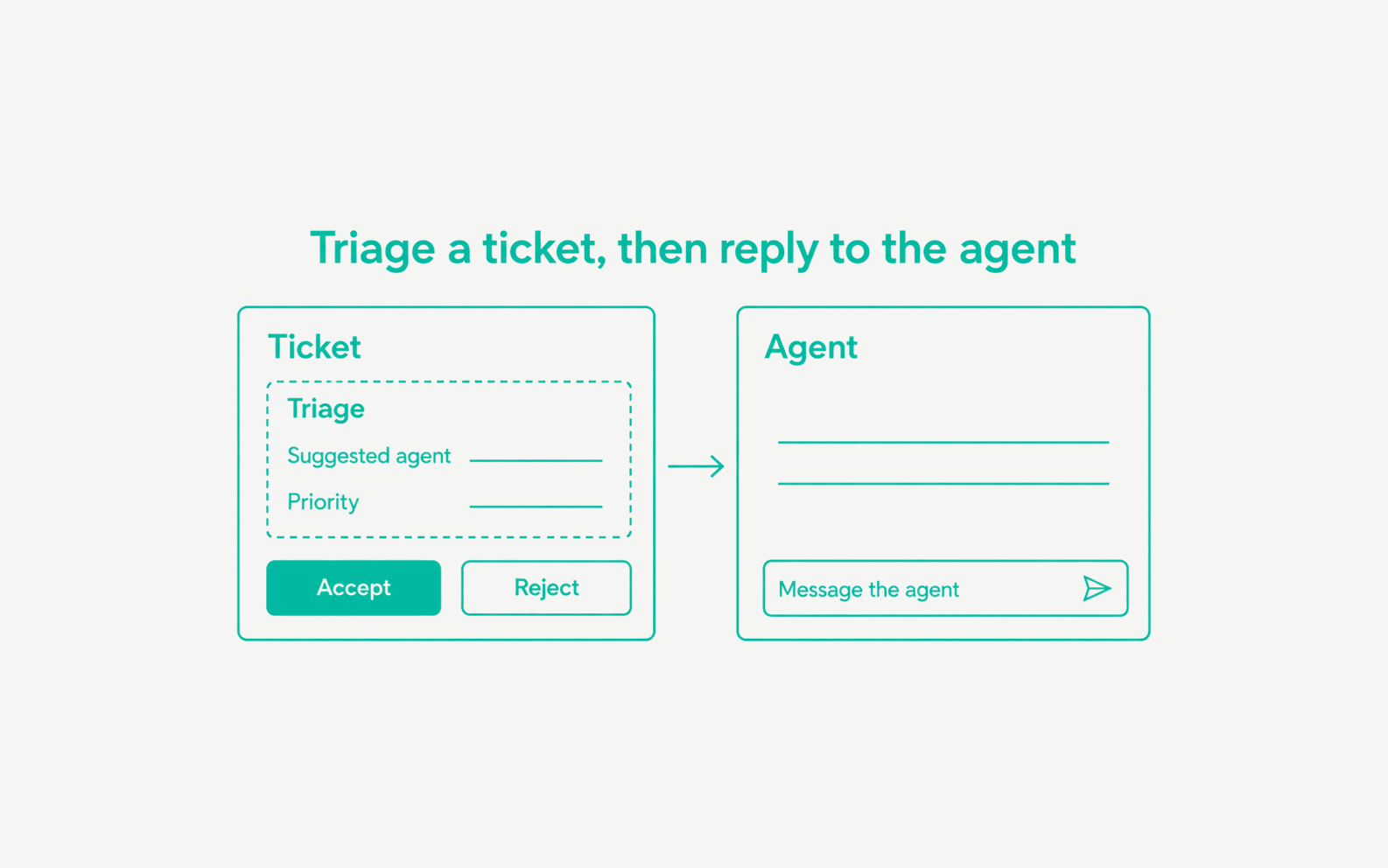
- Suggest-only triage. Triage appears when you create a ticket and in the ticket’s properties. Choose Accept to apply the suggested agent and priority together, or Reject to ignore them. Triage needs an active plan.
- Reply to the agent. For a run on your computer, type in Message the agent on the ticket’s Agent card. The agent continues the same session. When the session cannot continue, choose Start fresh to run again with the ticket.
- One run at a time. The reply box is off while the agent is working.
- Status you can trust. An open pull request moves a ticket to In review, and a draft keeps it In progress. A run whose actions were all rejected stays In review.
- Pull requests find their ticket. A pull request that names the ticket key links to it. In an attached repository, a pull request with no ticket gets one in review.
- One item per run. The ticket feed shows one item for each run, with its status and any error once.