The workflow builder saves your draft 3 seconds after your last edit, and at once when you switch to another tab, window, or page in the app. A draft that still has issues saves too, and you fix the issues before you publish.
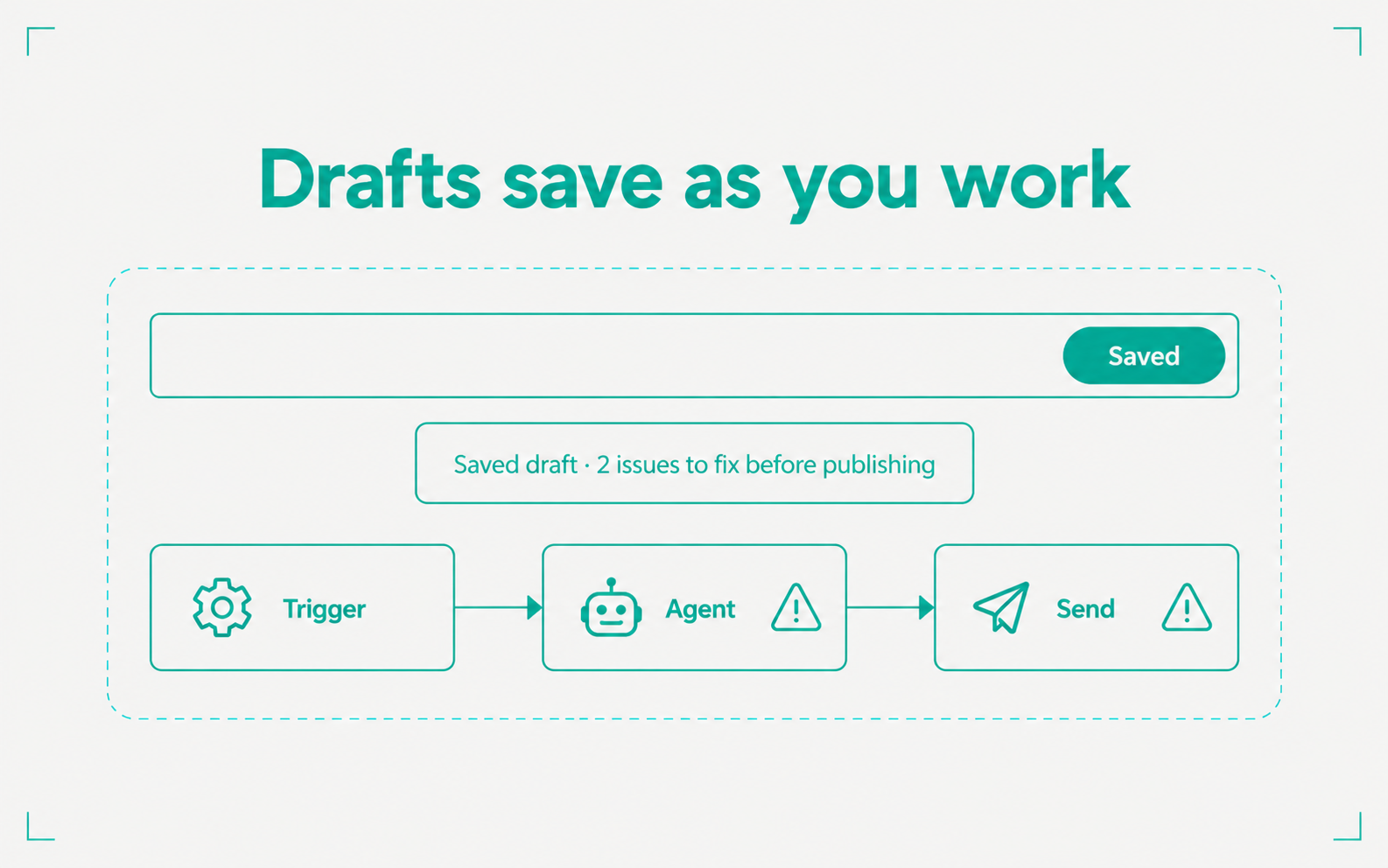
- The header shows Unsaved, Saving…, or Saved
- A draft with issues still saves. When you click Save, the message says how many issues to fix before publishing
- Each block shows its run status under it, with the duration and the first line of any error
- If the canvas stops with an error, Try again reloads it and keeps your unsaved changes. Archiving a workflow from the list offers Undo