Press X to select a ticket, then change it with a key. This works on the board, list, table, calendar, and Gantt views.
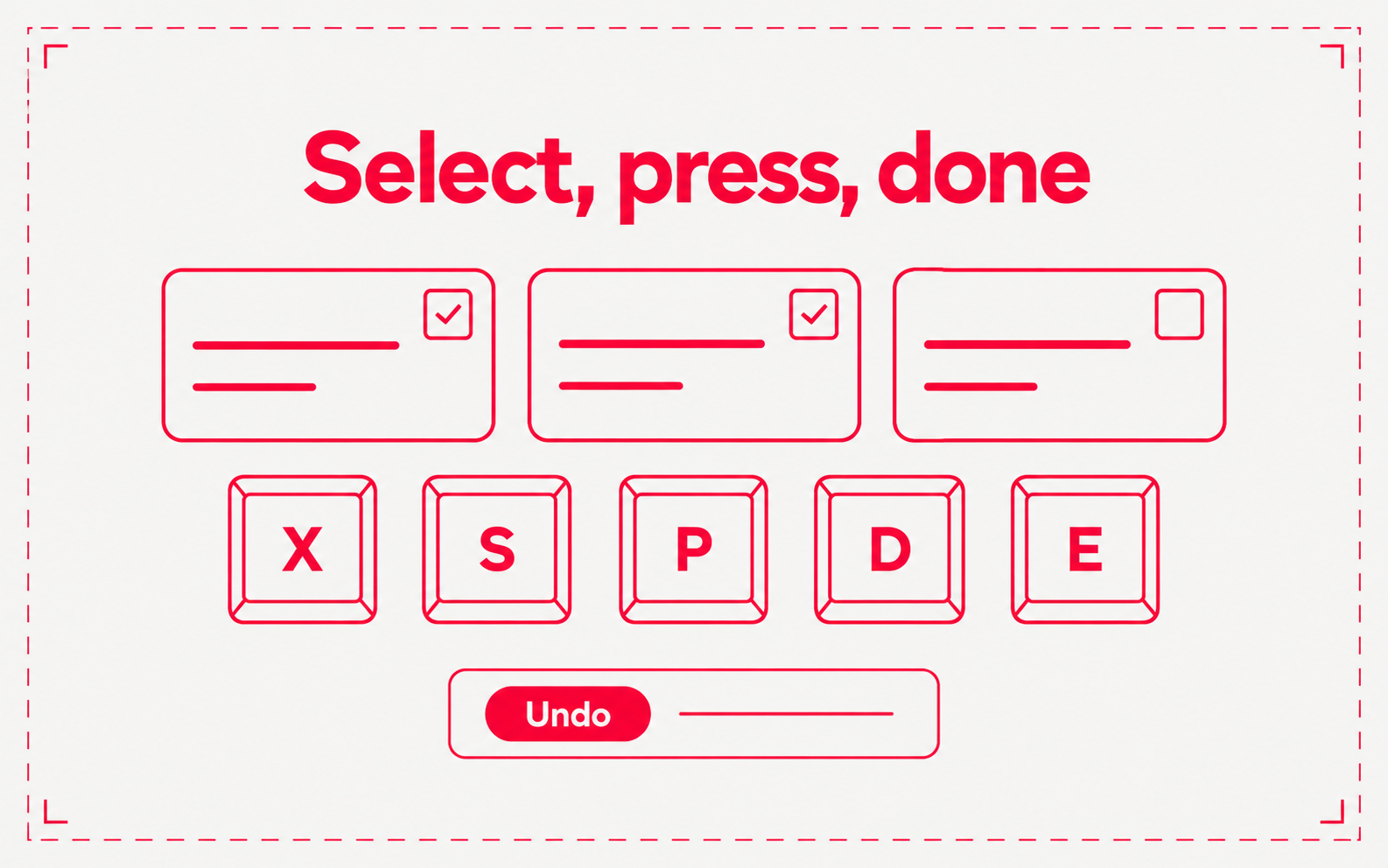
- Keys. X selects. Shift+click selects a range. S sets status, P priority, A assignee, Shift+A assigns to you, L labels, D due date, and E archives. J and K step through tickets in the side panel. Press ? to see them all
- Undo. Status, priority, assignee, label, project, and date changes, and archive, show an Undo toast. Turn the Undo window off in Settings → Preferences
- Gantt and Calendar. Drag a Gantt bar to move it, or drag its edge to change the start or due date. In Calendar, switch between Month and Week, drag a ticket to another day, or choose + on a day to add a ticket due that day
- Group, filter, and share. In Display settings, group Board and List by Status, Assignee, or Priority, and choose Copy link to this view. A Due date filter offers Overdue, Today, Next 7 days, Later, and No date
- Table columns. Drag a column edge to resize it. Choose Reset column widths in the Columns menu. Widths are saved in this browser
- Command palette. Cmd+K can set status, priority, assignee, labels, and due date, copy a link, or archive the selected ticket