Add AI Agent as a custom connector in Claude, Claude Code or ChatGPT. The assistant signs in as you and works only in workspaces you belong to.
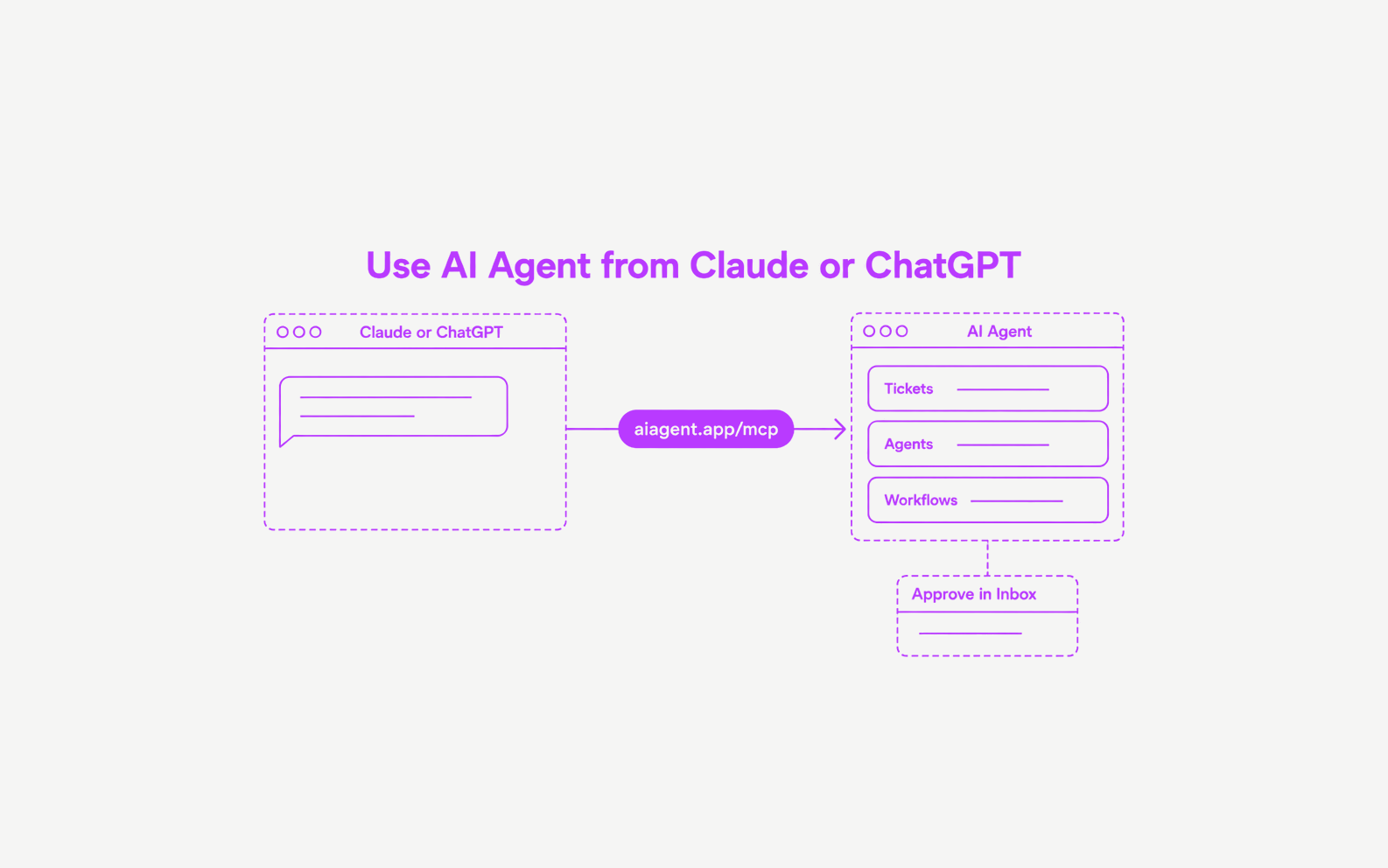
- One URL, no keys. Enter
https://aiagent.app/mcpas the connector URL and sign in. AI Agent issues no API keys. - You choose the permissions. The consent screen offers read, make changes, and run agents and workflows. Revoke a connected app any time in Settings → Account → Connected apps.
- Work from the assistant. Check and update tickets, ask an agent for help, start workflow runs, and work with tables, knowledge and projects.
- Reviews stay with you. The assistant cannot approve an action. A drafted reply waits in your Inbox until you approve it.
- Spend is limited. Tools that spend credits are limited to 20 calls per minute and 200 per hour for each person.