Disable a block to take it out of a run without losing its settings. The run passes the block’s input straight to the next block. Check that later blocks do not need the output of the block you disable.
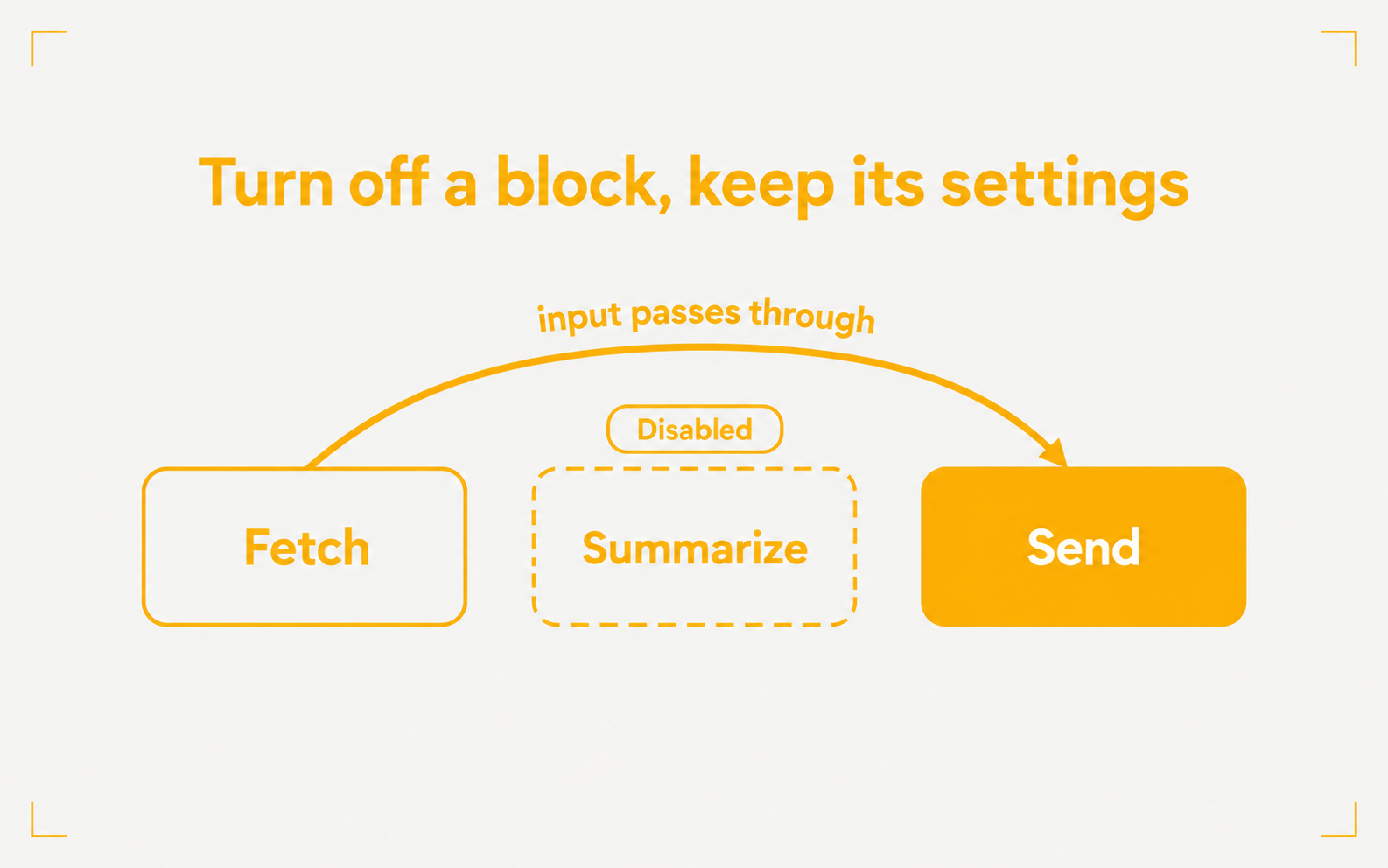
- Right-click a block and choose Disable, or use Cmd+K. With two or more blocks selected, the selection toolbar also has Disable. Choose Enable to turn them back on
- A disabled block cannot stop a run. Most action blocks can be disabled. Start, End, container, and branching blocks cannot
- Test step on a Template, Format, List Operator, or Dedupe block uses no credits. Testing an Agent, Tool, Approval, or Loop block still checks your balance