Triage now works like a short review. It can ask a few questions first, then proposes changes to the ticket. Nothing changes until you apply it.
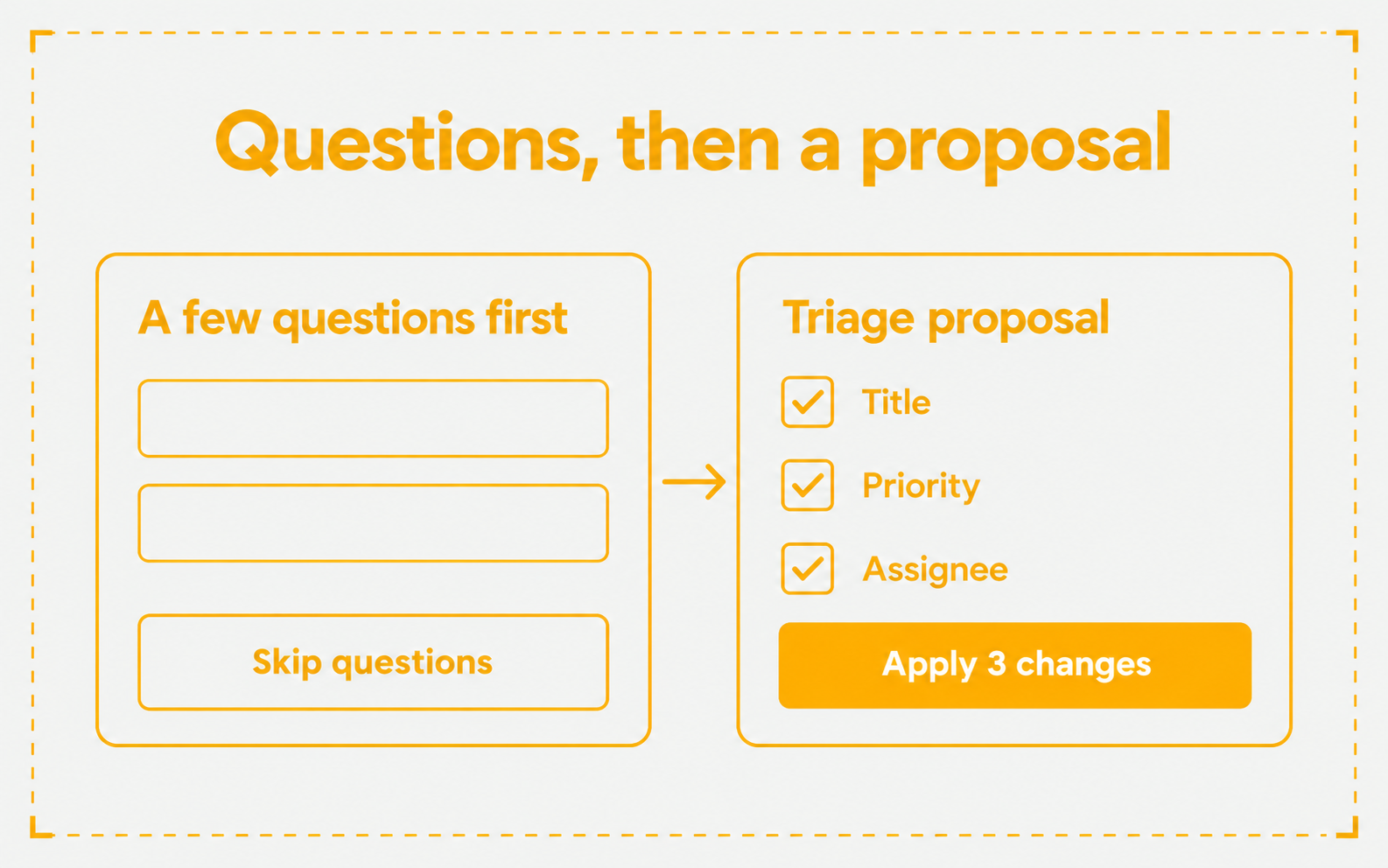
- Questions first. Triage can ask up to five questions under “A few questions first”. Answer them, or choose Skip questions
- A proposal you edit. The “Triage proposal” lists a title, text to add to the description, priority, assignee, labels, and steps. Tick the rows you want and edit them. It also shows possibly related work and ways to get the work done
- Apply or discard. Choose Apply N changes on a ticket, or Use in draft while you create one. Discard throws the proposal away
- Where it is. Choose Triage when you create a ticket and on any ticket that is not done or cancelled. Triage needs an active plan