A ticket run on your own computer now works in the folder that matches the ticket’s GitHub repository. When AI Agent cannot decide on a folder, nothing starts and you choose one.
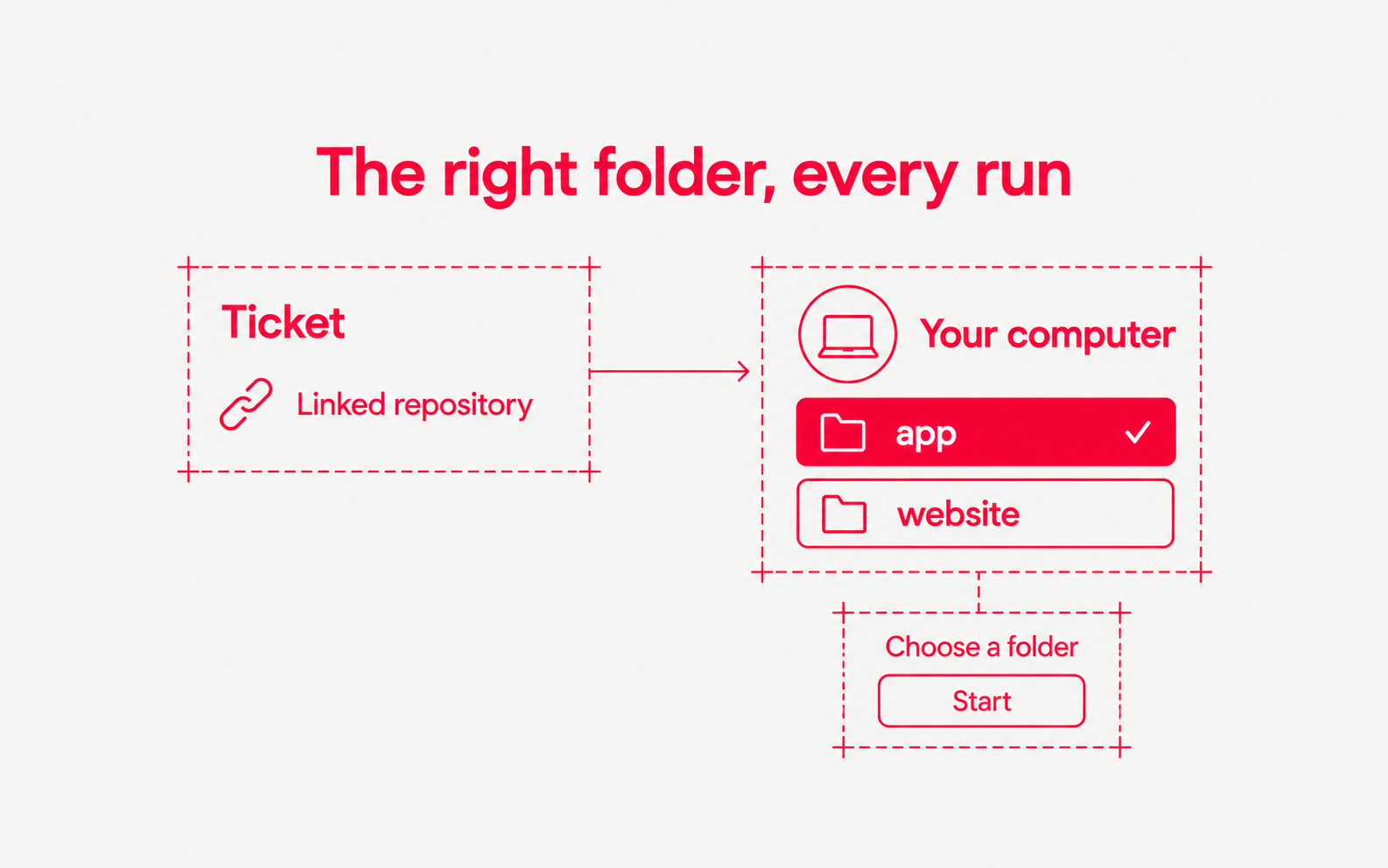
- The repository decides. A ticket linked to a GitHub issue or pull request runs in the folder for that repository, even when the agent has a different default folder.
- You choose when it is unclear. When no folder matches, or several do, the Start work dialog asks you to choose a folder. Message the agent and Start fresh open a Choose a folder dialog, and your message stays in the box.
- A note when it cannot ask. A run started from a mention or an approval adds a note to the ticket. Open the ticket to choose the folder.
- Your copy stays local. The run works in your live copy of the folder and is told not to push or open pull requests.