The Docs page now shows your docs as a tree at the top of the page. Pages, files, websites and connections all sit in the same tree, so you can organize them in one place. The Pages panel at the left of the page is gone.
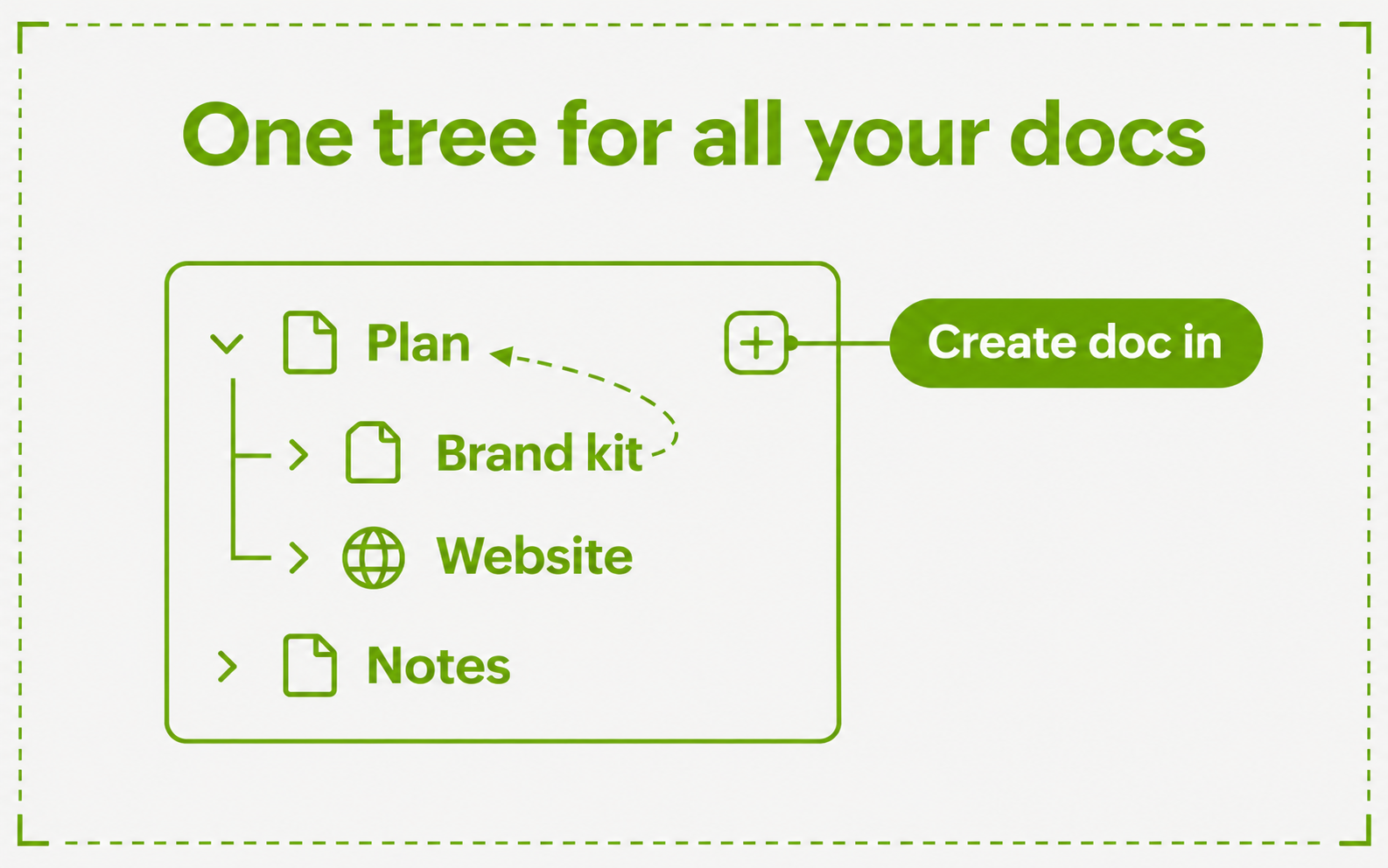
- Drag a file, a website or a connection onto a page to put it under that page. A page can hold other docs. A file, a website or a connection cannot hold other docs
- Click Create doc to add a top-level page. Click Create doc in on a page row to add a page inside it
- A row for a file or a website that is still processing, or that failed, shows its status
- Search shows the matching rows together with the pages that hold them
- The tree also shows on narrow screens