Give each connected Gmail inbox its own drafting instructions, such as which links to include or how to sign off. They shape every draft from that inbox, whether the agent drafts it on its own or you click AI draft.
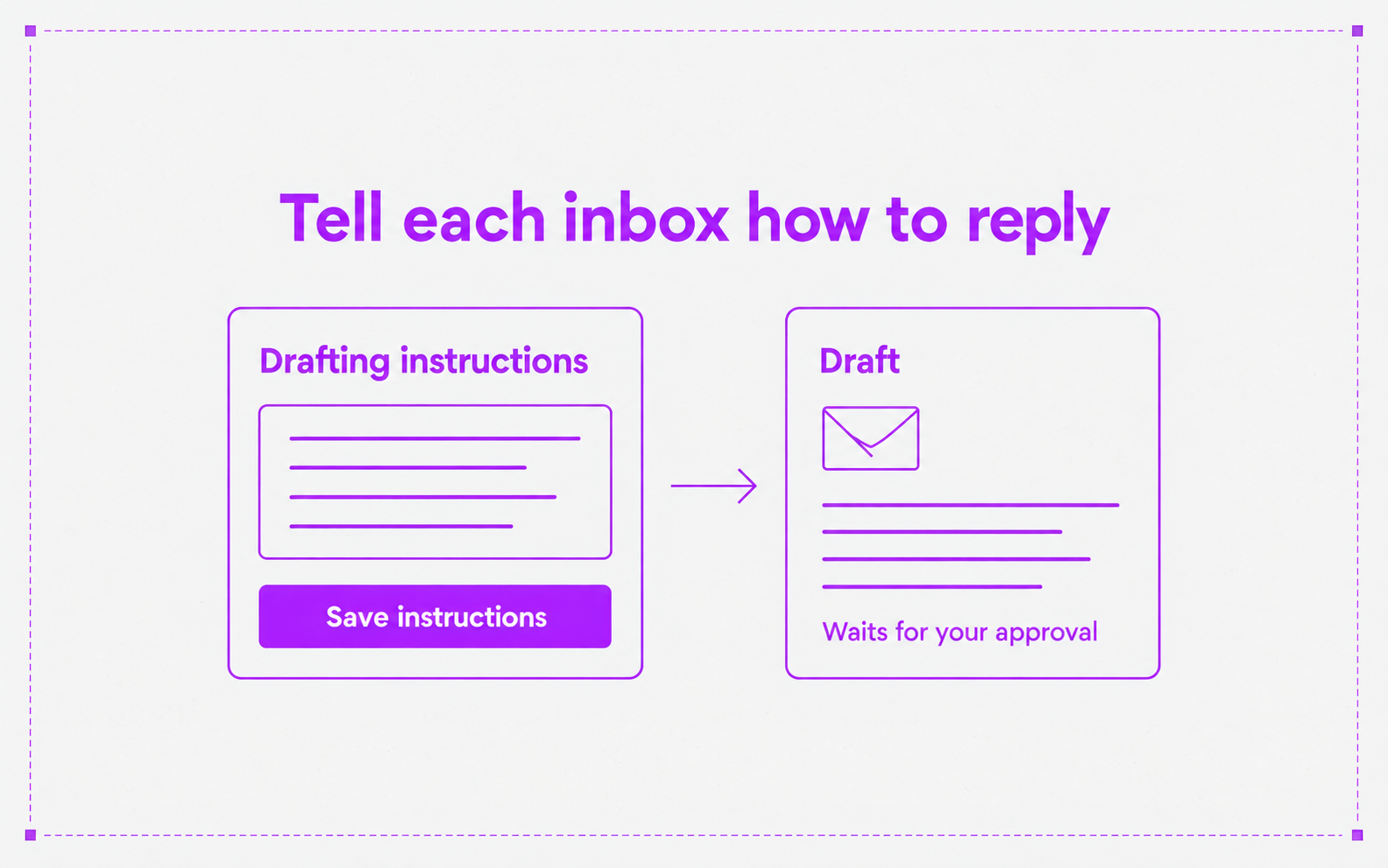
- Write up to 2,000 characters in Drafting instructions in the Gmail settings
- The instructions change the wording only. Every draft still waits for your approval
- Drafts no longer carry leftover agent notes such as “Draft saved.”