You no longer have to write an agent from a blank page. The new Templates catalog holds 72 ready-made agents for sales, marketing, engineering, design, product, operations, people, and personal work. Pick one, read what it does, and install it into your project in one click.
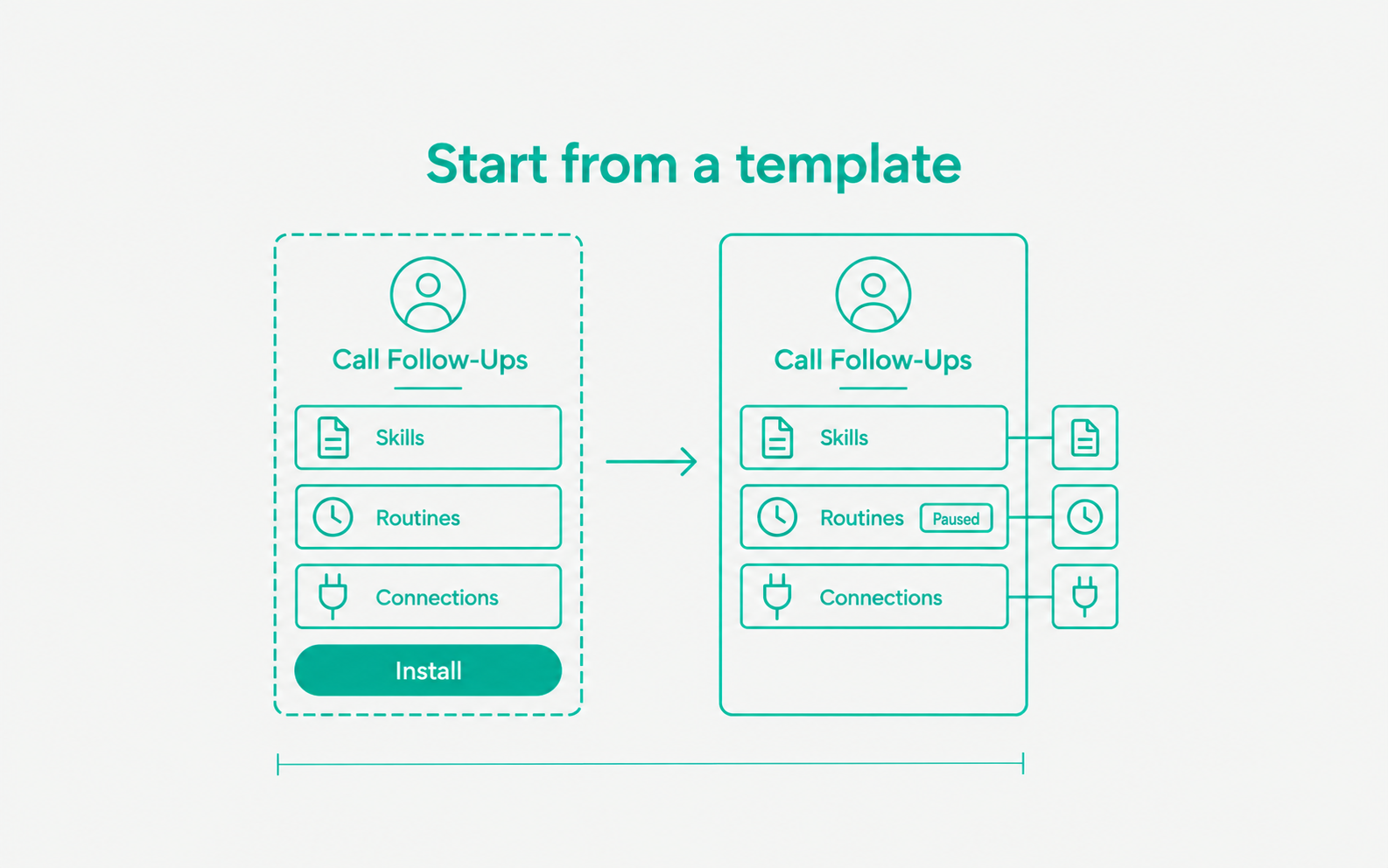
- Browse and search. Open Agents and use Start from a template, or open the full catalog with Browse all. Filter by category or search by name and role. Featured templates come first.
- See everything before you install. Each template page shows what the agent does, its skills with their full instructions, its routines with their schedule and steps, the apps it uses, and a diagram of how it all fits together.
- Install safely. Installing creates the agent with its skills and routines in your project. Routines start paused, so nothing runs until you turn it on. The install dialog lists any app the template uses that you have not connected yet.
- Installed templates stay linked. An installed template shows as Installed in the catalog and opens the agent it created.