Find any message in the Inbox with free text and Gmail-style operators. Each message row now shows a one-line summary of the whole thread.
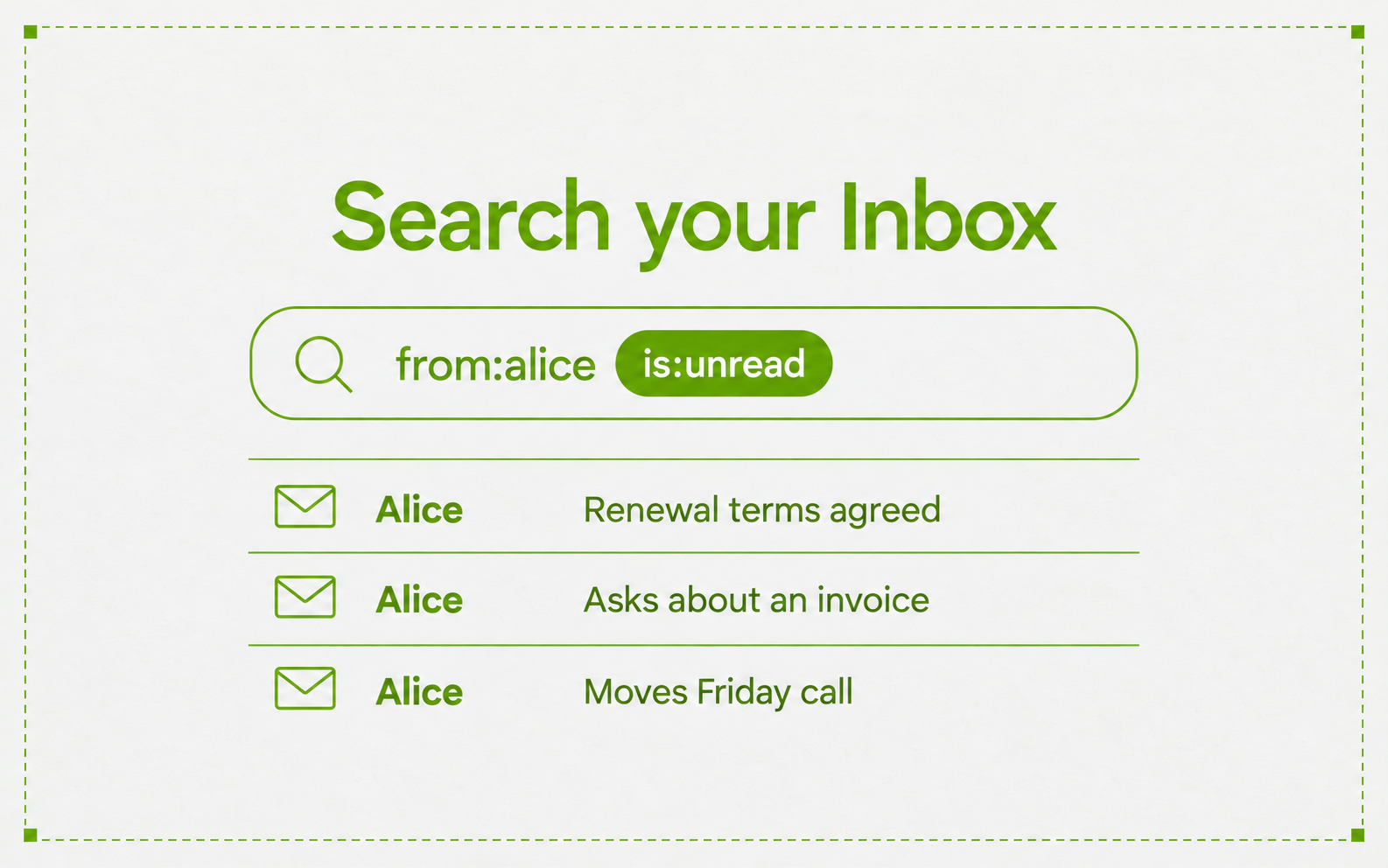
- Type in the search box under the tabs. Plain words match the title, preview, and sender
- Narrow results with
from:,to:,subject:,is:unread,is:read,is:flagged,after:, andbefore: - Press Esc to clear the search
- The triage agent writes the thread summary. The Inbox shows the email preview until the summary exists