A file you send in chat stays with that chat. Select Save to Docs on the file to add it to your project’s Docs, where agents, workflows, and other chats can use it.
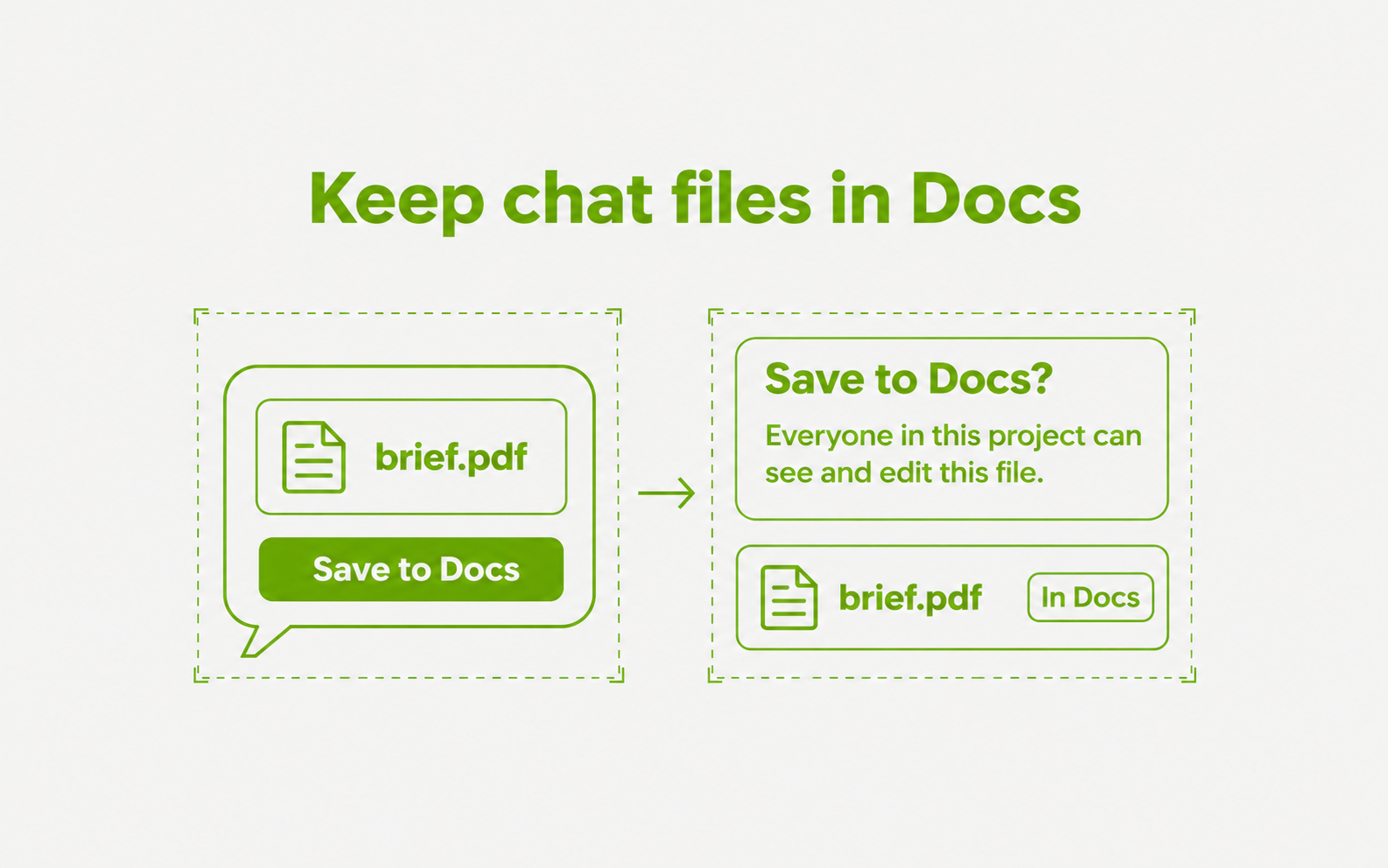
- A confirmation appears first: “Everyone in this project will be able to see and edit this file.”
- A saved file shows In Docs, and the chat you sent it in keeps reading it
- Only the member who sent the file can save it, and only a file with readable text