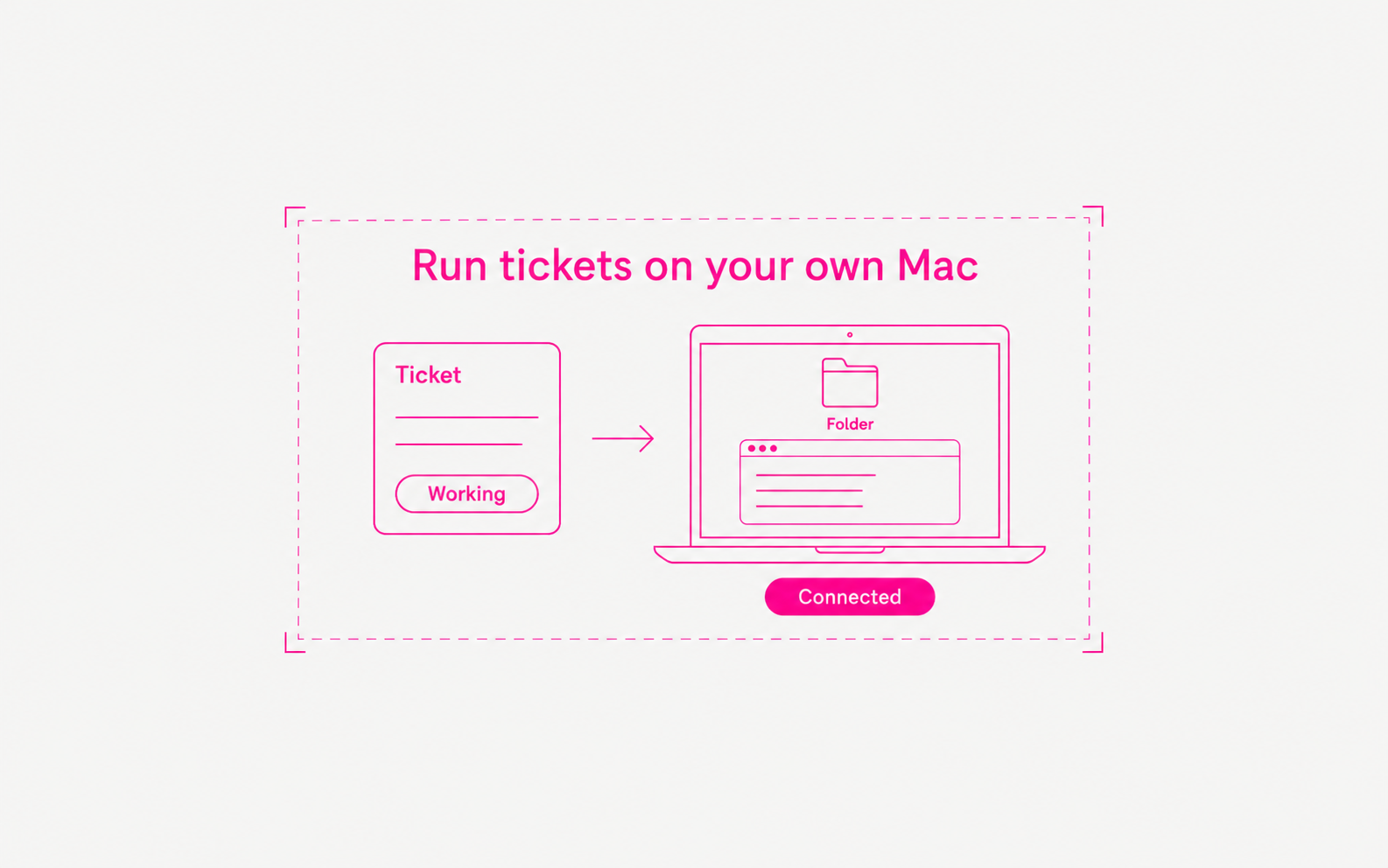
AI Agent now has a desktop app for Apple Silicon Macs. Connect your Mac once, and an agent can run a ticket on it, in a folder you choose, with the Codex login you already have on that computer.
- Download and sign in. Get the app from the download page. It opens your browser to sign in, then asks you to allow the app.
- Connect this computer. Open Settings → Computers and choose Add a computer. The app finds the AI coding tools on your Mac and asks for a folder. Your logins stay on your computer.
- Run tickets locally. Point an agent at your computer, then assign it a ticket. The ticket shows each command the agent runs and its output while it works, and the files it writes stay in your folder.
- Companion runs in the background. A small service called Companion keeps your Mac connected. macOS shows “The Product Company of London Limited” when it starts. This company signs the AI Agent app.