Projects and Squads are no longer Labs features. Every workspace sees them, with no switch to turn on. Projects is the Projects tab under Board. Squads is the Squads tab under Agents.
- Find projects fast. The Projects tab shows a grid, a list, or a table. Search by title, filter by status, and sort by Recent, Name, Progress, or Target date
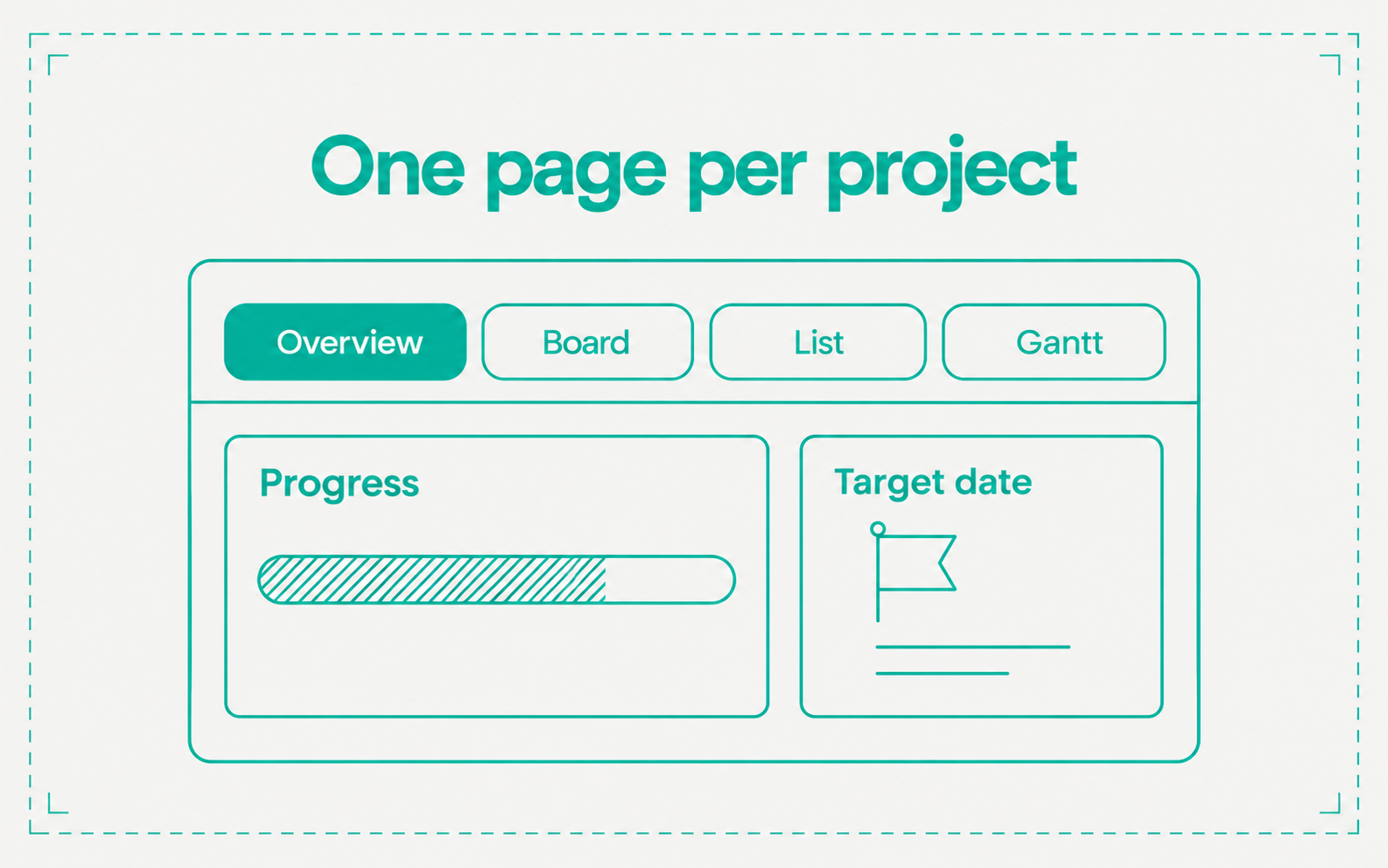
- One page per project. Tabs run across Overview, Board, List, Table, Calendar, Gantt, and Activity. Overview shows the brief, progress, what is coming up, open tickets grouped by status, and recent activity
- Properties. Set status, priority, lead, squad, a start date, and a target date. The panel also lists the project’s autopilots, workflows, and knowledge sources. The Gantt shows the target date as a line
- Make it yours. Pick an icon and a color, pin a project to the sidebar with the star, and copy a link to it from the … menu. Board cards show their project by default
- Squad roles. The squad page shows each member’s role and the projects the squad leads