Pasting or filling a Table now checks each value against its field before it writes. A value that does not fit is skipped, and a message tells you how many.
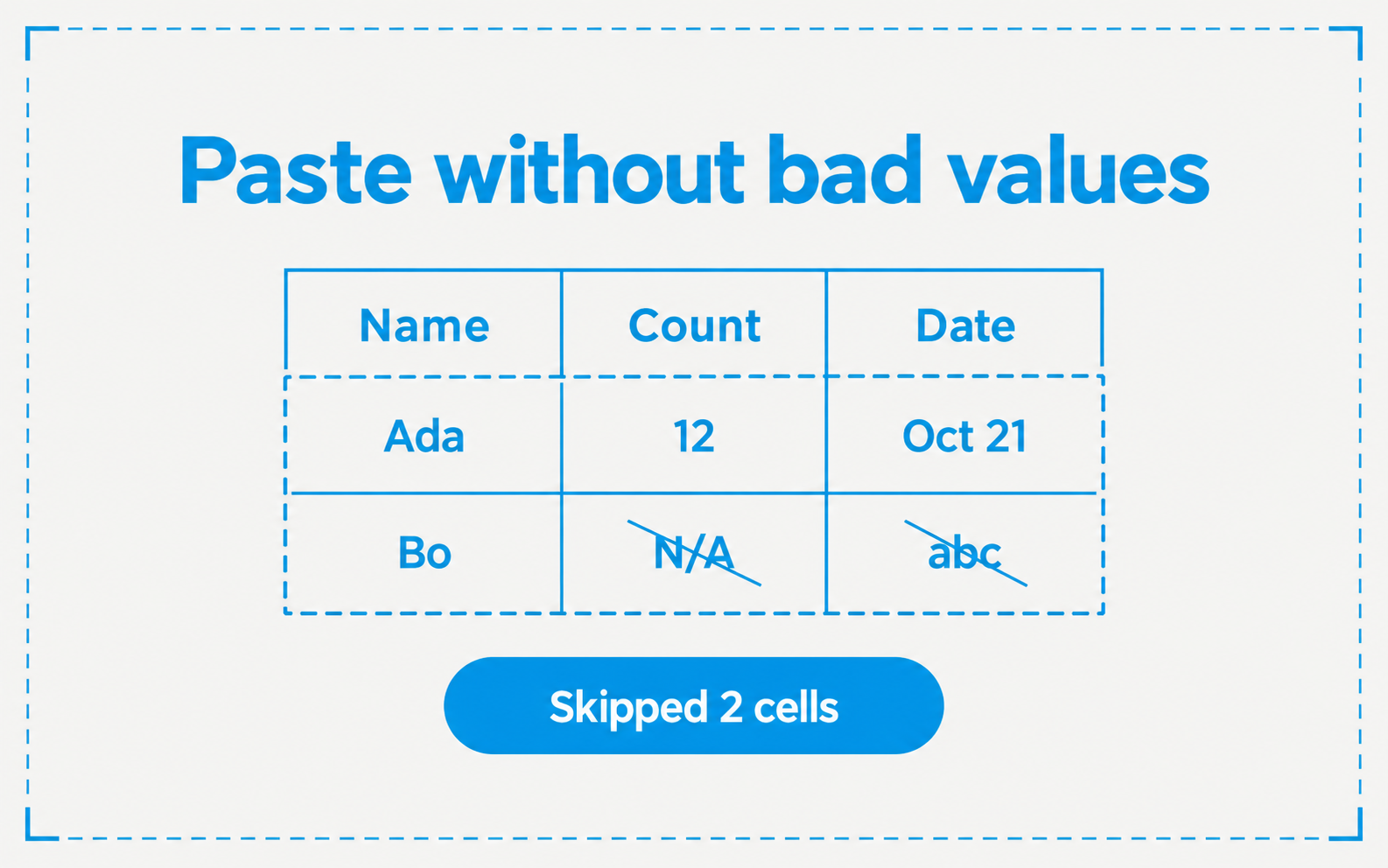
- A paste or fill skips cells that do not fit the field type and cells in read-only columns. The message reads, for example, “Pasted 12 cells, skipped 3 that did not fit the field type”
- A paste that runs past the last row asks “Add N rows?”. Choose Add N rows or Paste into existing rows only. If the table has agent columns that run when a row is created, the dialog says how many runs the new rows start
- Drag with the mouse to select a range of cells. The grid scrolls when you drag to an edge
- Press Cmd+/ (Ctrl+/ on Windows and Linux), or choose the keyboard button in the toolbar, to see the grid shortcuts
- Sort and filters stay in the page link. Switching to another saved view clears them
- A table with more than 2,000 rows says “Showing the first 2,000 rows”, and search, sort, and filters apply to those rows