Creative Canvas supports the shortcuts you know from design tools. The zoom keys and Shift+click also work in the workflow builder. Press ? on the canvas to open the shortcuts panel. On Windows, use Ctrl instead of Cmd.
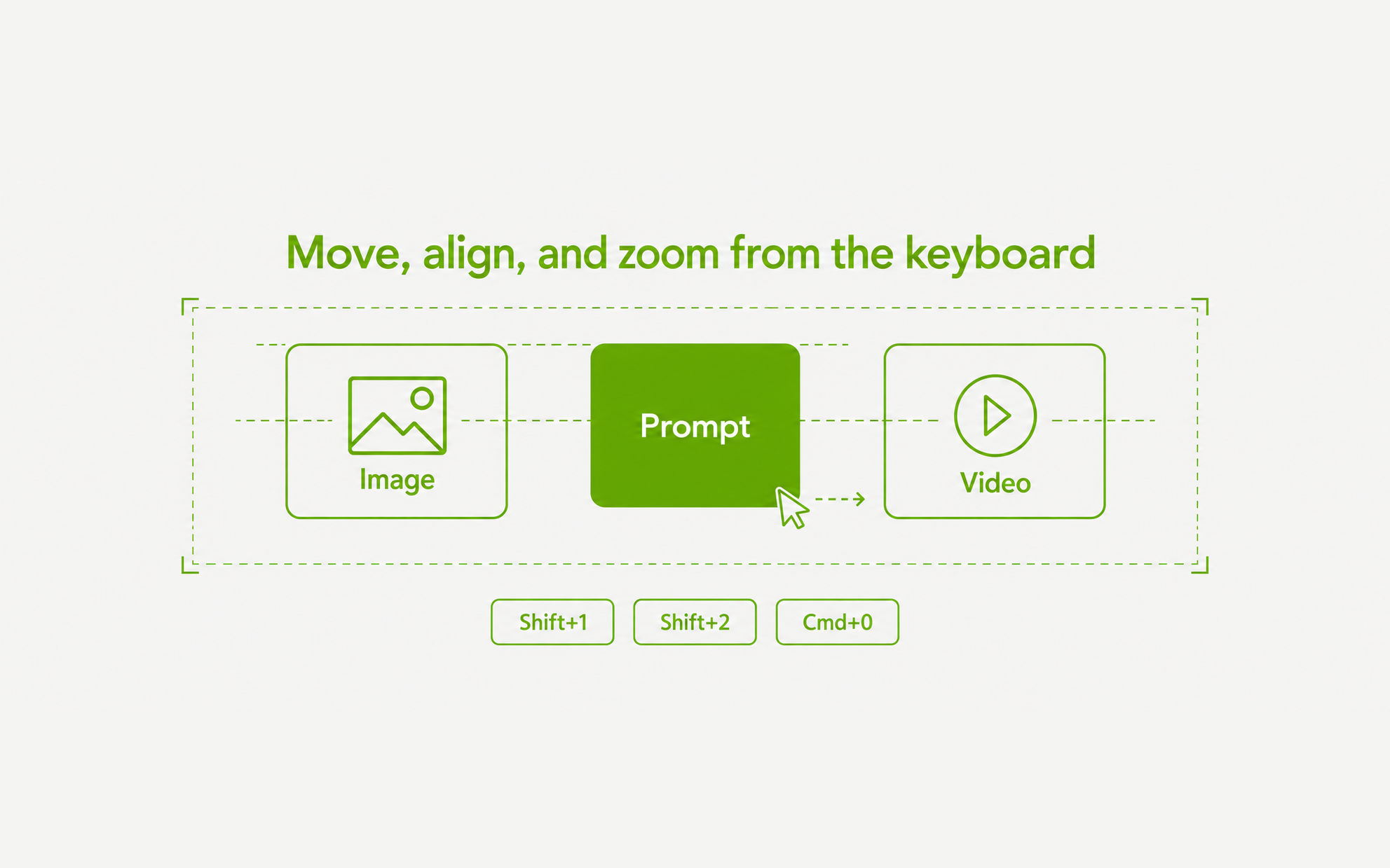
- Shift+1 fits everything, Shift+2 zooms to the selection, and Shift+0 or Cmd+0 goes to 100%. Cmd+= and Cmd+- zoom the canvas from 10% to 400%
- Blocks snap to the edges and centers of other blocks while you drag, with guide lines. Hold Cmd to drag freely, or Shift to stay on one axis
- Arrow keys nudge the selection 1px, or 10px with Shift. Align and distribute are in the selection toolbar’s Align menu, and layer order is in the right-click Arrange menu
- Shift+click adds or removes a block, Escape clears the selection, and Cmd+X cuts. Undo and redo apply at once