Press Cmd+K (Ctrl+K on Windows) and type a ticket’s key to find it. The exact match shows first, and each result shows its key before the title.
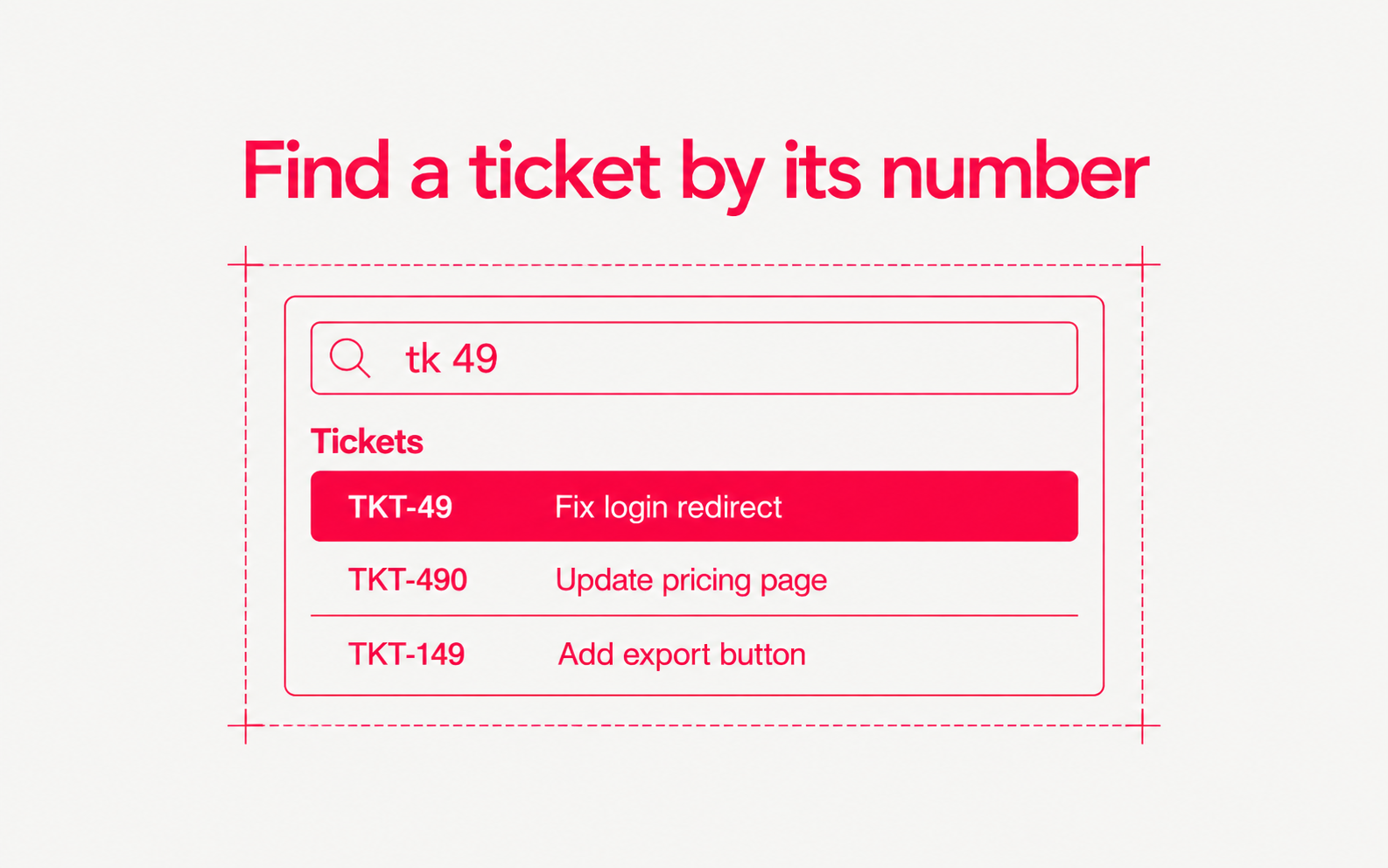
- Type the full key, such as TKT-49, or a short form such as tk 49, #49, or 49
- Open GitHub under Connections to attach repositories in the same dialog. Its How it works link explains how pull requests update tickets
- Disconnecting GitHub asks you to confirm and says what stops working
- The ticket page fits the dashboard frame, so its action buttons are no longer cut off at the bottom