Docs now open in a block editor, and your agents can write in them. An agent drafts a doc in chat, or suggests changes to a doc you wrote, and you review before anything of yours changes.
- Block editor. Choose Add source, then Write doc. Type / for blocks such as To-do list, Callout, columns, Table of contents, Image, Video, Audio, File, Table, Equation, and Date. Use Turn into to change a block, and open History to see earlier versions
- Live table embed. Embed one of your Tables in a doc with the Table embed block
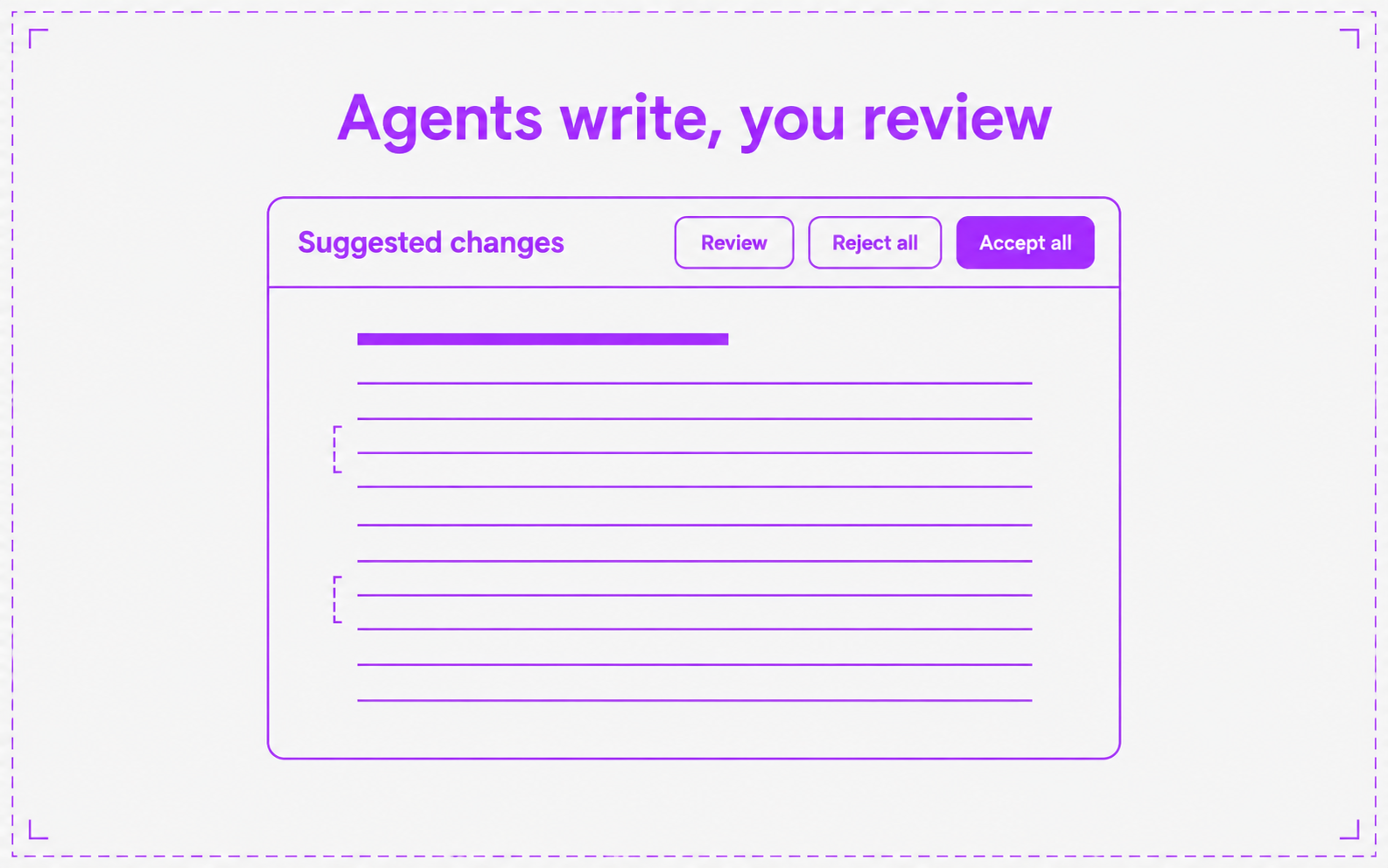
- Agents write docs in chat. An agent can list, read, create, and edit docs. A doc an agent made is the agent’s until a person edits it. After that, the agent’s changes arrive as suggestions with Review, Reject all, and Accept all. The chat card has Undo
- Deep research. Ask an agent to research a topic. It writes a cited report into a new doc and shows “Researching…” then “Report ready” in chat. A run costs 30 credits
- Workflows. An agent with the Docs toolkit can use the same doc tools in a workflow step