Creating on the canvas starts with a sentence. Describe the image, video, or audio you want, drop a reference image, review the settings and price, then generate.
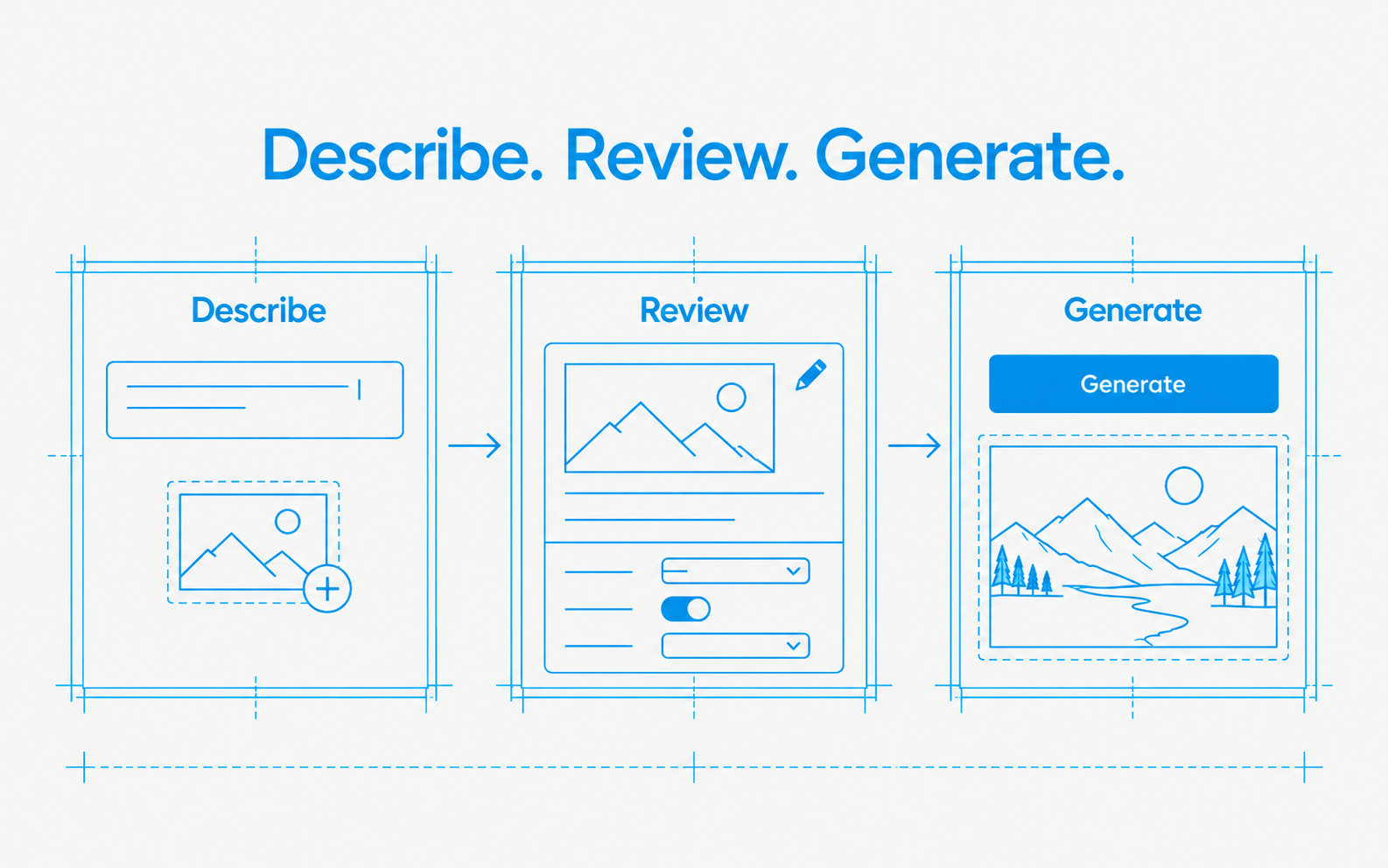
- One Create composer. Pick a medium, describe the result, and the canvas prepares an editable card. Preparing is free; only Generate spends credits.
- A draft per medium. Switch between image and video and each keeps its own draft. Close the composer and reopen it and your draft is still there.
- Reference images. Drop one image onto the composer to use it as a reference. Other files still land on the canvas as media.
- The advanced graph stays. Node handles, batches, grouping, and JSON import are all still there, and a bad JSON file now says so instead of failing quietly.