When an answer compares options, lists several numbers, or lays out a plan, chat can show it as a visual block under the text. Simple questions still get a plain answer.
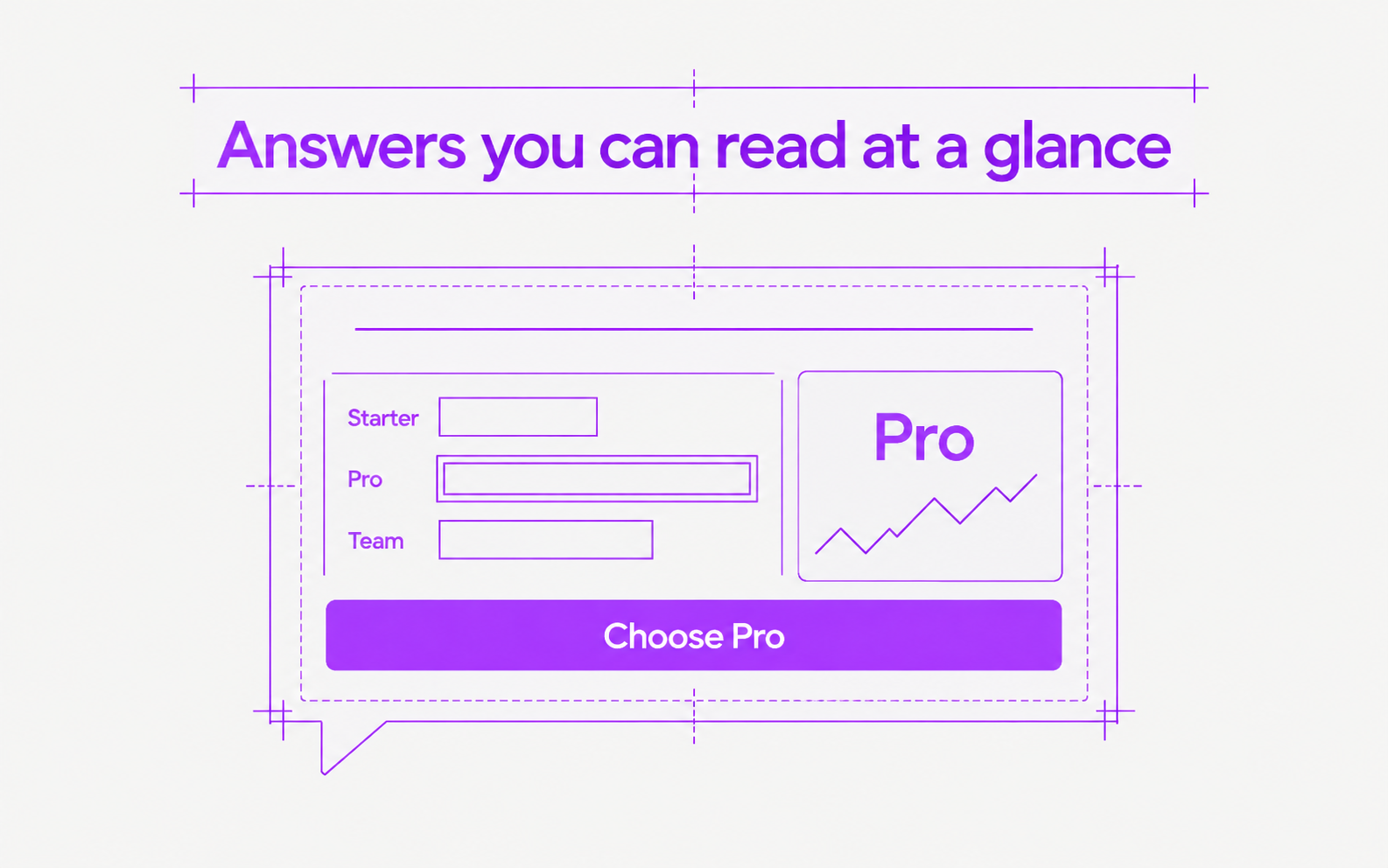
- Tables, horizontal bar charts, stat cards with a trend, side-by-side columns, checklists, links, and sources
- Click a button in the answer to send its label as your next message, for example “Choose Pro”
- Side-by-side columns stack into one column when the chat is narrow
- If part of a block cannot be shown, the rest of the answer still shows, with a note to ask the agent to try again