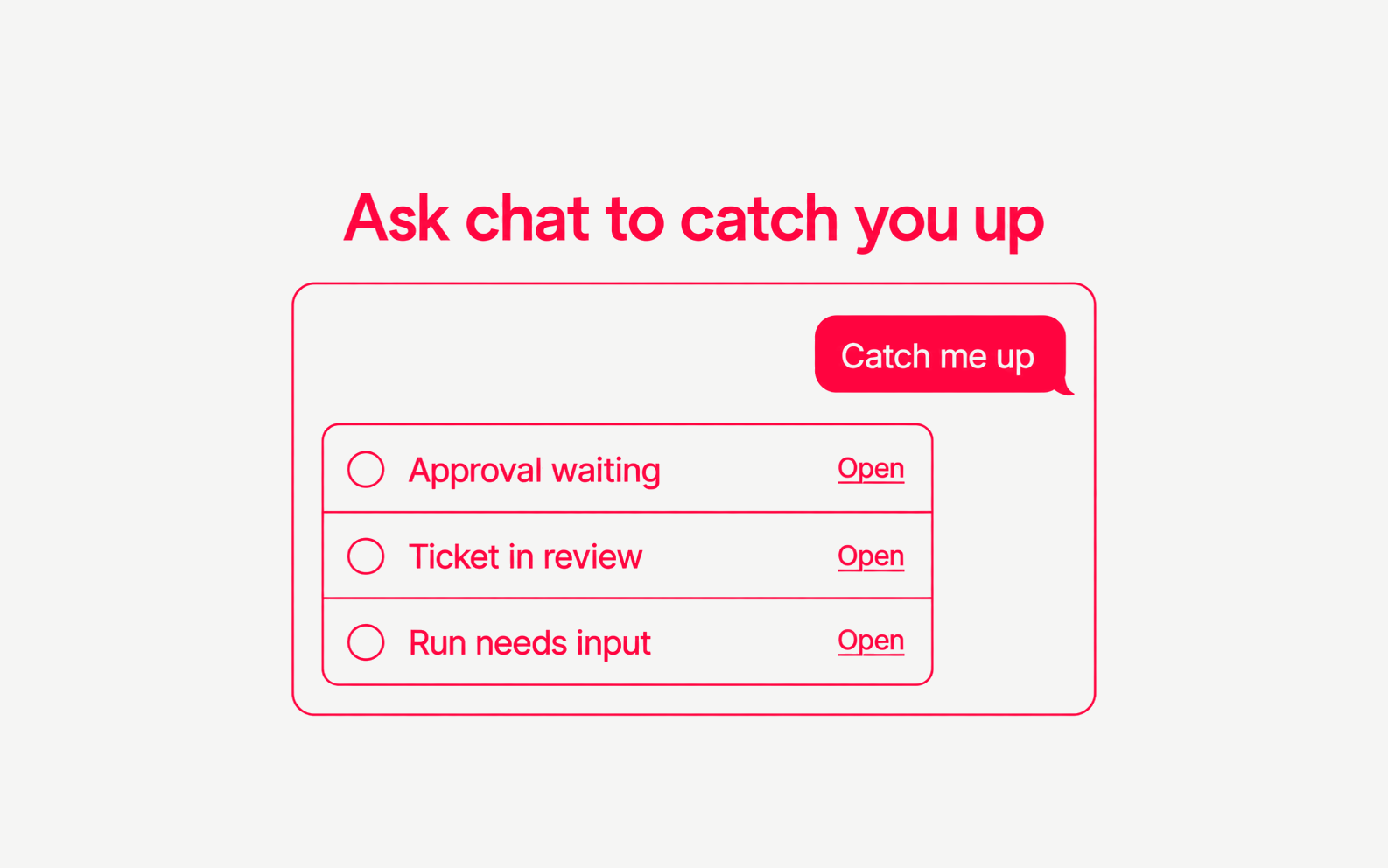
Ask chat to catch you up, and it reads your workspace and tells you what needs you. Ask what you did, and it summarises your recent activity.
- Two built-in skills.
catch-me-upcovers items waiting on you.what-i-didcovers your ticket events, decisions and runs. Both are read-only on the Skills page. - Links to the work. Each item in the answer links to the dashboard page where you can act on it.
- Read tools on demand. When you connect many apps, chat loads read tools when it needs them. Tools that change data stay directly available, so each one still asks for approval.
- Safer approval for unknown tools. A tool that is not in the catalog now needs approval when its name pairs a read word with a write verb, such as a list-delete tool.