The workflow builder works like the Creative Canvas. Build a chain of blocks, find a block by name, and line blocks up without leaving the keyboard.
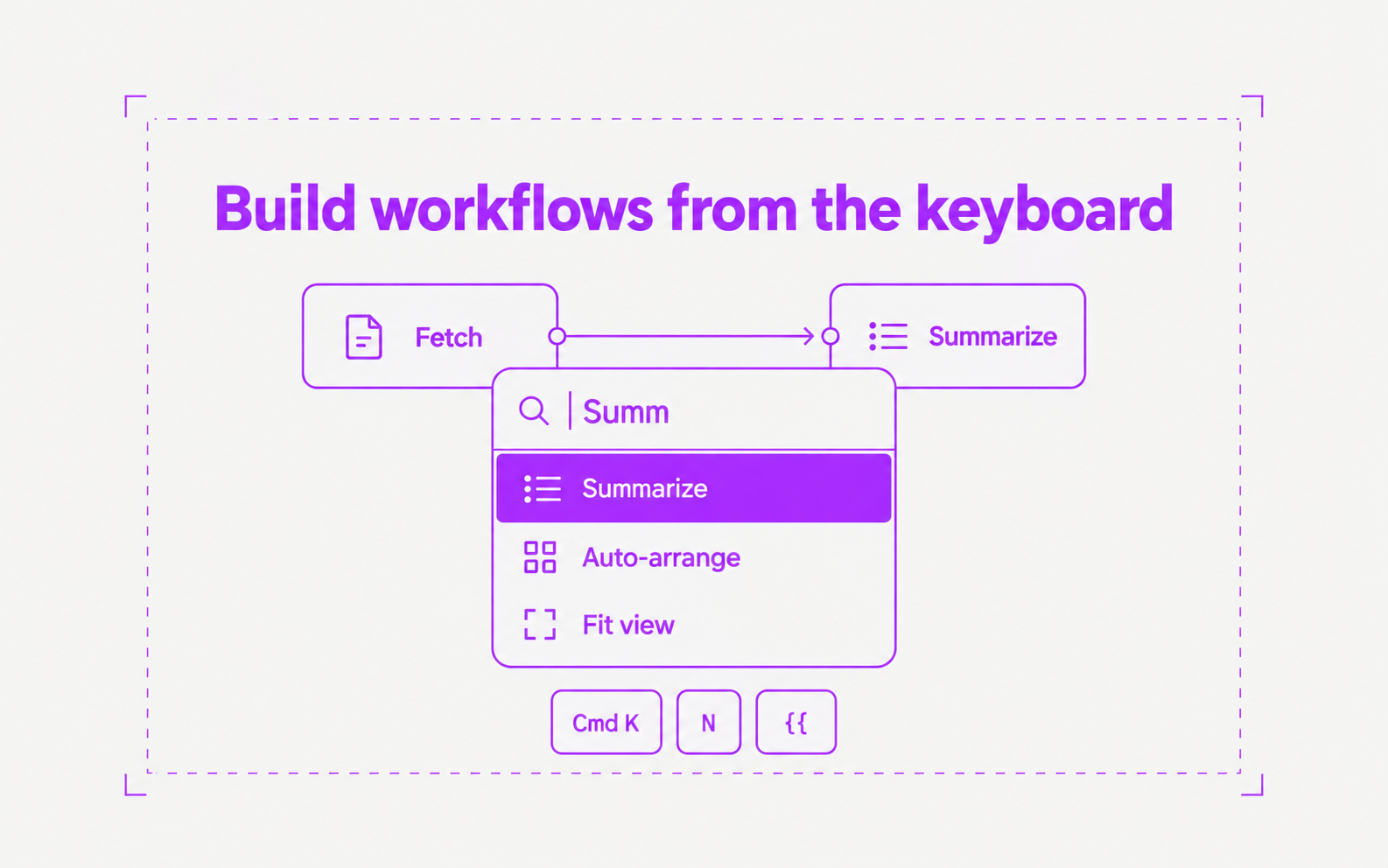
- Cmd+K lists the blocks on the canvas and commands such as Auto-arrange, Fit view, Run workflow, and Save. With a block selected, N opens the list of blocks to add after it, and Option+arrow keys move the selection along the chain
- In a prompt, type {{ to open the variable picker at the cursor. Use the arrow keys, then Enter or Tab to insert the variable
- Dragged blocks snap to the edges and centers of nearby blocks, with guide lines. Hold Cmd to drag freely, or Shift to stay on one axis. Align and distribute are in the selection toolbar
- Hover over a connection and click + to insert a block in the middle of it