Ask an agent in chat for something you want to keep, and it writes an artifact that opens in a panel beside the conversation. Artifacts are on by default as a Labs alpha feature.
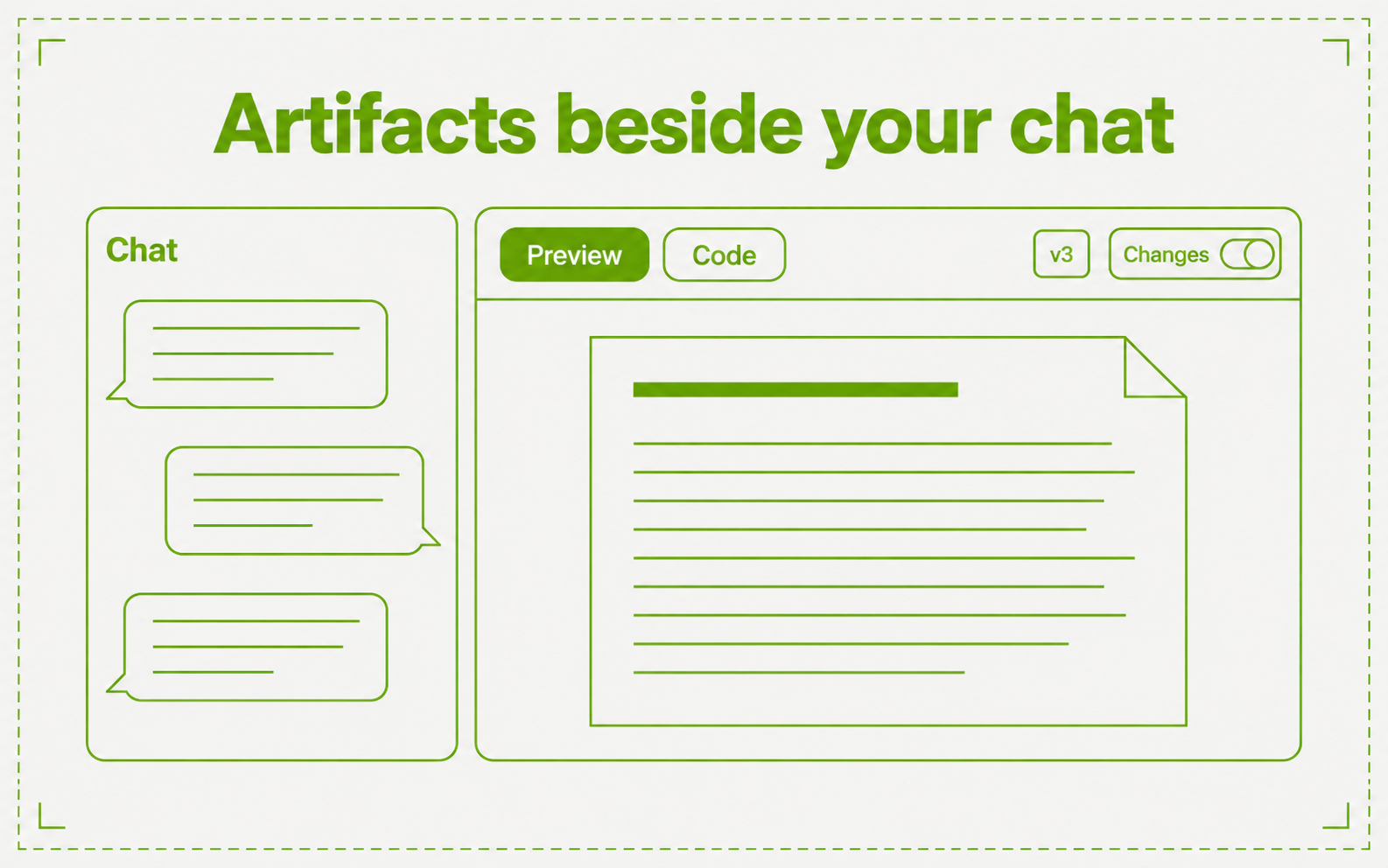
- Six kinds. Document, Code, Web page, React app, SVG image, and Diagram. Switch between Preview and Code
- Versions. Every change is a new version. Pick a version, turn on Changes to see what differs from the one before, and choose Restore to bring an old version back as a new one
- Edit it yourself. Edit and save in the panel. While the agent is writing, the panel is read-only
- Keep and share. The Artifacts tab beside Chat lists what you made, with Mine and Shared. Set an artifact to Private, or to Shared so workspace members can view and copy it. Download it, duplicate it, or open it on a full page
Artifacts work in web chat. Turn them off in Settings → Labs.