When chat asks you to choose between options, pick “Something else” to type your own answer instead. Chat cards also fit the width of the chat panel.
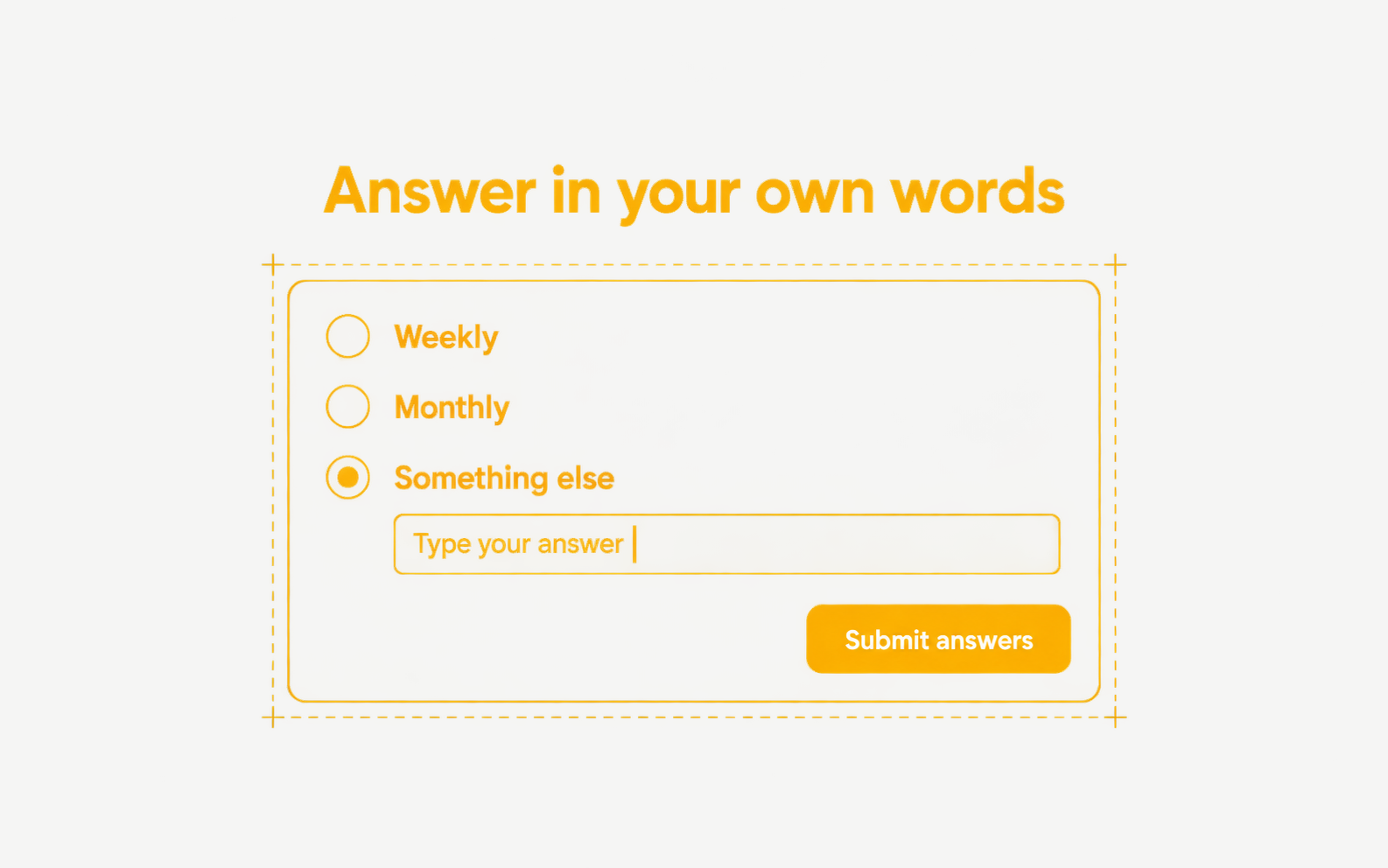
- Every chat question with options ends with “Something else”, which opens a field for your answer
- Approval cards in chat and on tickets use the same layout, with Reject on the left and the approve button on the right
- In chat, Approve reads “Approve & run”. If a rejection fails, an error message shows and the action is not marked as rejected
- Long values in table drafts and approval cards wrap instead of being cut off