Open an agent’s Activity tab, or the new Activity page in the sidebar (Labs), to see what your agents did and what it cost.
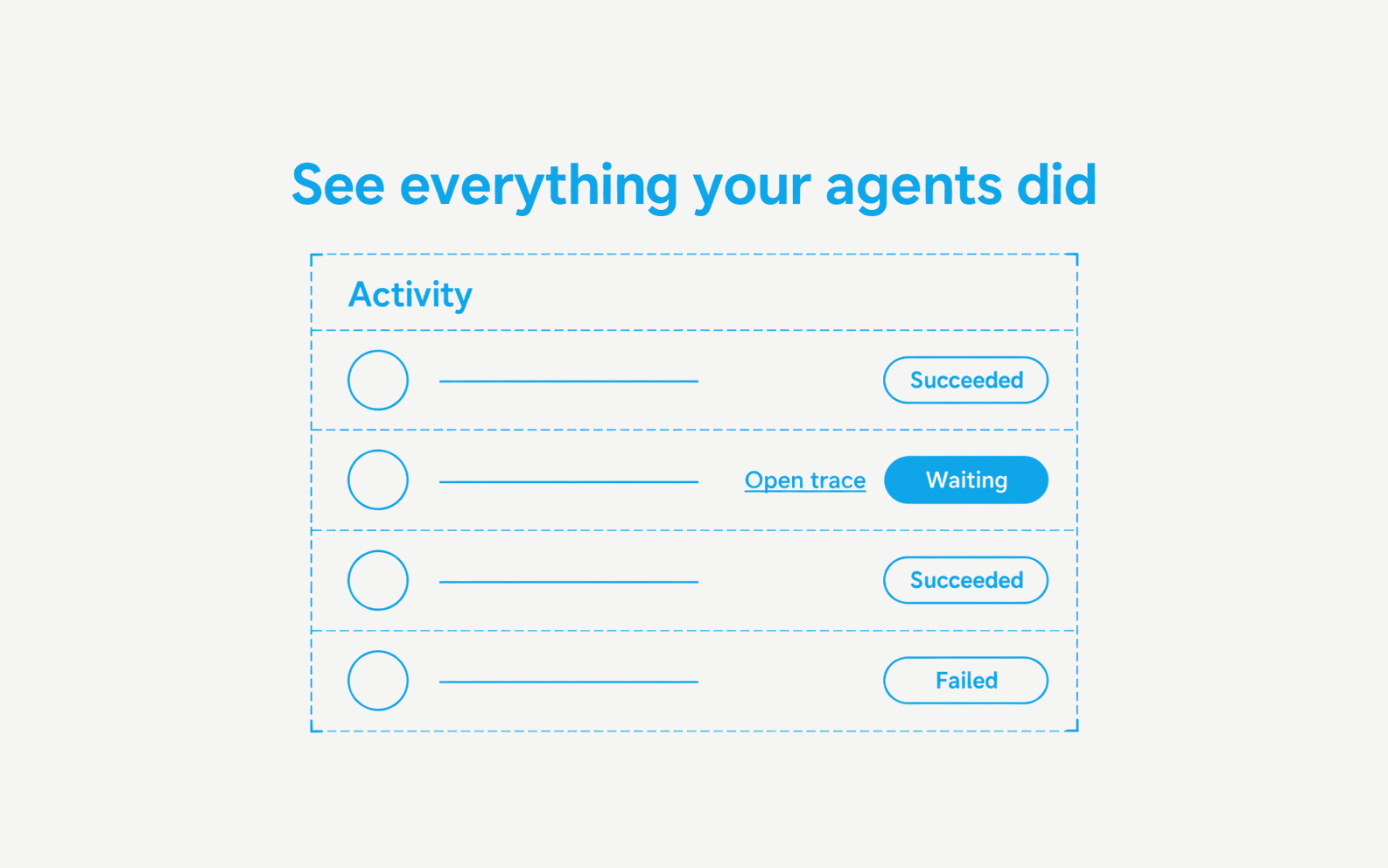
- Every row shows what ran, what triggered it, its status, duration, tokens and credits, the tools used, errors, and the artifacts it produced
- Waiting marks the runs that need a decision from you
- Open trace jumps straight to the step-by-step detail in Traces
- You see only your own chat turns and only the agents you can access
Read more in Activity.